HTVRONT

In-app purchases
286 reviews
Content rating
Everyone
10K+
Downloads
Content rating
Everyone
Unrestricted Internet
Learn more
Screenshot image
Screenshot image
Screenshot image
Screenshot image
Screenshot image
Screenshot image
Screenshot image
Screenshot image
Screenshot image
Screenshot image
Screenshot image
Screenshot image
Screenshot image
Screenshot image
Screenshot image
Screenshot image
Screenshot image
Screenshot image

About this app

Unleash your creativity with HTVRONT, the all-in-one design and crafting app for crafters, artists, and DIY enthusiasts. Whether you're designing a t-shirt, making stickers, or personalizing gifts, HTVRONT offers powerful tools and a vibrant community to bring your ideas to life.

Seamless Machine Integration
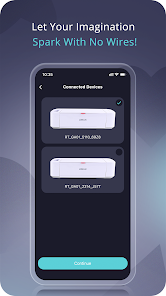
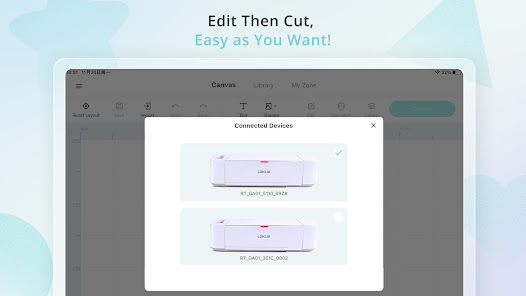
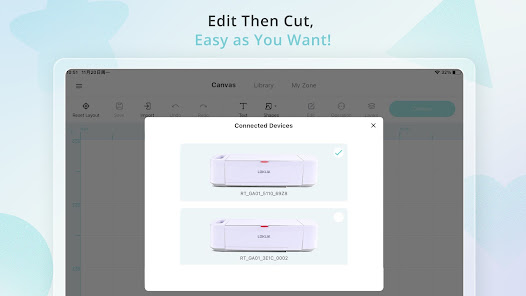
- Connect and manage multiple HTVRONT cutting machines via BLUETOOTHÂŽ
- Fine-tune cutting settings for hundreds of materials like vinyl, fabric, wood, and metal
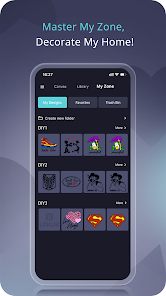
- Handle multiple projects without device limitations

Effortless Design & Editing
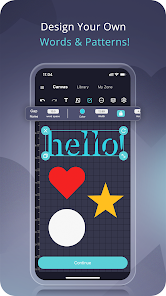
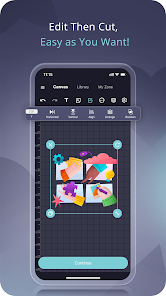
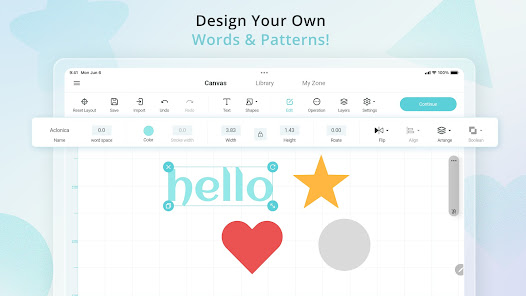
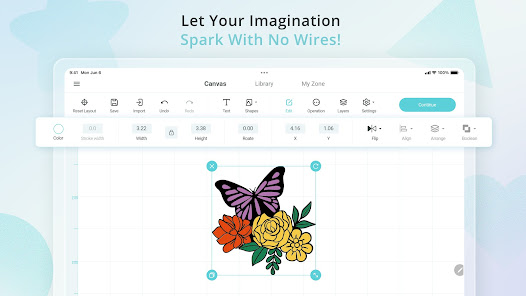
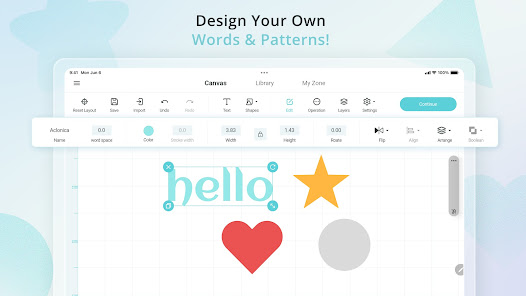
- Create and customize SVG designs with AI styles
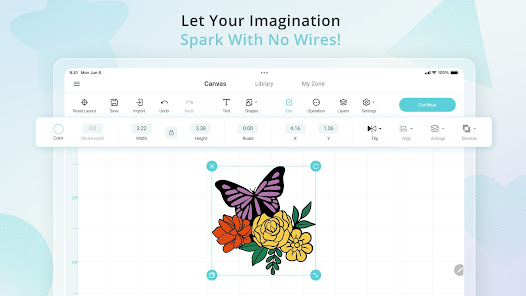
- Work with shapes, colors, text, and layers to craft the perfect design
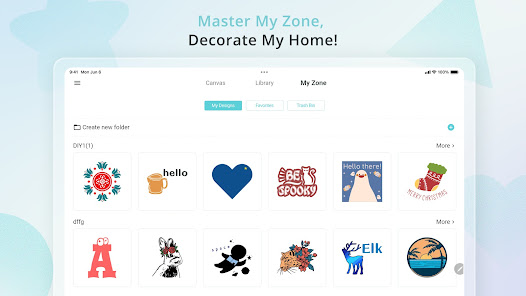
- Auto-save ensures your projects are never lost—even offline
- Easily upload and edit images in multiple formats


Endless Inspiration & Resources
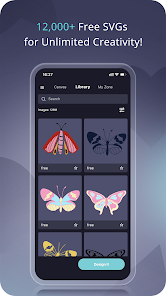
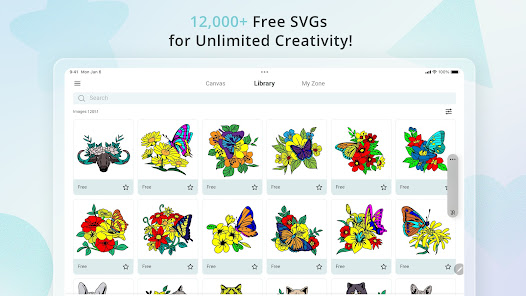
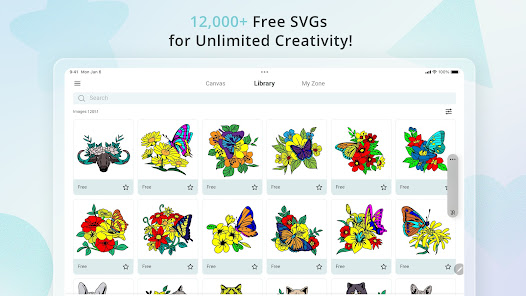
- Access 50,000+ free SVG images, 100+ fonts, and project templates
- Explore diverse themes for Christmas, Halloween, Thanksgiving, and more
- Create intricate 3D box projects with ease

A Friendly Community for Creators
- Join thousands of craft enthusiasts in an inspiring creative space
- Discover new ideas, share projects, and learn from fellow makers
- Easily switch between languages with a user-friendly interface

No matter your skill level, HTVRONT makes DIY easy, fun, and limitless. Download now and start creating!

Need help? Visit
https://www.loklik.com/contact or join https://community.loklik.com/ for assistance.
Your Creative Studio
Updated on
Aug 27, 2026

Data safety

Safety starts with understanding how developers collect and share your data. Data privacy and security practices may vary based on your use, region, and age. The developer provided this information and may update it over time.
  • No data shared with third parties
    Learn more about how developers declare sharing
  • No data collected
    Learn more about how developers declare collection
  • Data is encrypted in transit
  • You can request that data be deleted

Ratings and reviews

228 reviews
Jolena Rogers
January 21, 2026
the app works ok on the cellphone. but you can only see part of the picture which makes it hard to size the project big enough for cutting. I prefer the windows app for designing and cutting. I still use the cellphone app for making some of my designs when not feeling up to turning my computer on. so the cellphone version is more convenient since everyone has a cellphone.
1 person found this review helpful
Did you find this helpful?
LOKLiK
January 26, 2026
Thank you for taking the time to leave such a wonderful review! We're glad to know our app met your needs. You can zoom in or out on the canvas using a two-finger pinch gesture. We will continue to strive to provide excellent service and welcome any suggestions for improvement.
Emily N
June 25, 2026
older version was better and easier to use. i tried to contact loklik by email but never had any reply. I have trouble when uploading pictures ready to cut out. the lines are always fuzzy and will cut out fuzzy aswell. only things that seem to work are the designs on the app. im am not the only one having this issue either. disappointed. please update and fix this loklik :(
2 people found this review helpful
Did you find this helpful?
Janice Aitchison
August 15, 2026
If you are going to use one of your own photos, when you set it out then preview it, if you don't like what the preview shows and you decide to change the photo, it delete's 1 of your credits. It should'nt delete a credit till the machine has actually created your art. Credits cost money.
1 person found this review helpful
Did you find this helpful?

What’s new

1. Optimized printable cut mark lines
2. Added vertical and horizontal distribution features
3. Alignment now includes canvas centering and element centering
4. Added material theme packs
5. Optimized Bluetooth connection
6. Added bead count display for fuse bead canvas
7. Added auto‑save for canvas
8. Fixed known issues
Content rating
Everyone
Unrestricted Internet
Learn more

App support

About the developer
HK SIJIU INTERNATIONAL SHARE CO., LIMITED
techdept@sijiutech.com
Rm 20 7/F ON CHEONG FTY BLDG 19 TAI YIP ST 觀塘 九龍 Hong Kong
+86 193 9799 5046

Similar apps