
Backup Photos To My PC, NAS
Contains ads

3.9star
31 reviews
5K+
Downloads

Everyone
info




About this app
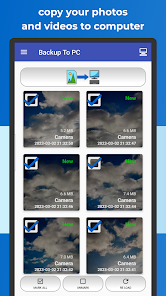
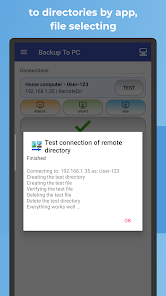
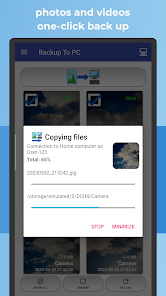
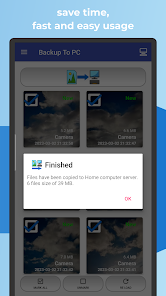
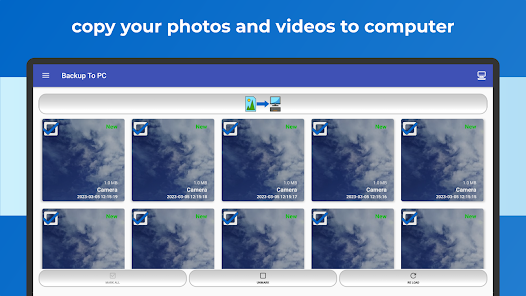
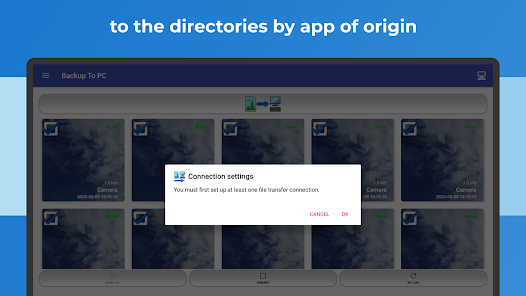
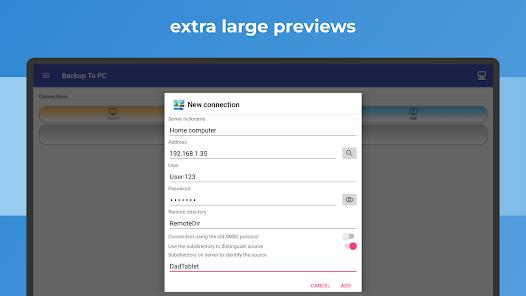
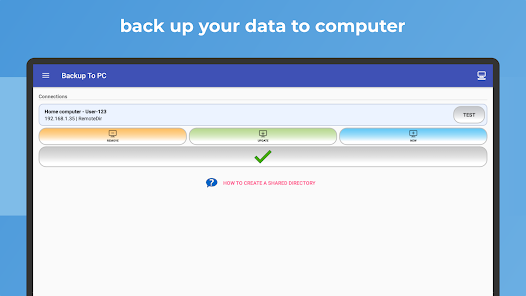
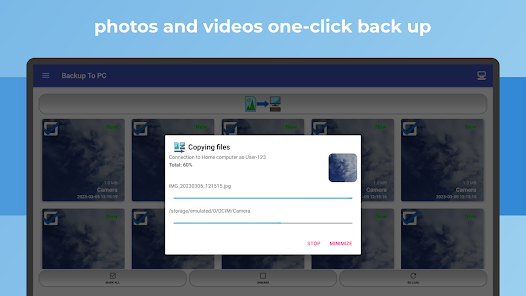
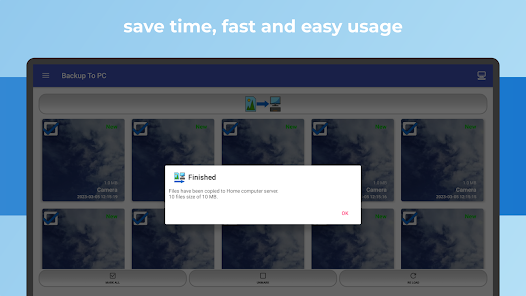
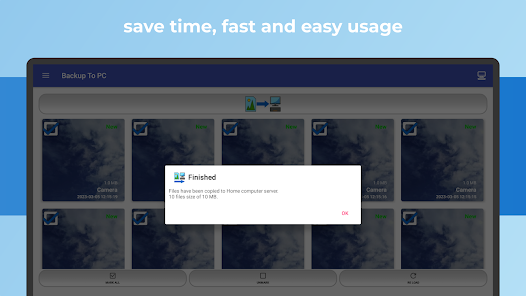
🔄 BACKUP TO PC simplifies the transfer and organization of your photos and videos from your mobile to your computer. Easily create backups with a single click, automatically organizing files into app-specific folders. The transfer is done using protocols 📁 (Samba - shared directory) SMB, 🔐 SFTP, or 📂 FTP.
Key Features:
✔️ Effortlessly back up photos and videos to your computer
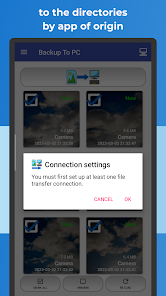
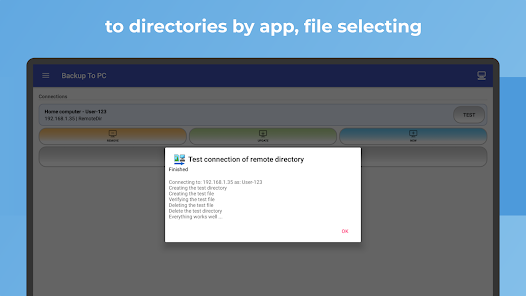
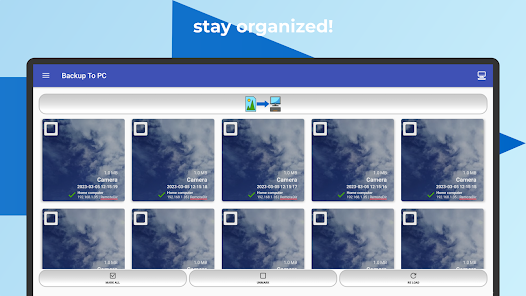
✔️ Automatically sort into app-specific directories
✔️ Streamlined interface for quick and intuitive usage
✔️ Wireless backup, no USB cable required
Enjoy secure and encrypted transfers using advanced protocols:
• 📁 SMB (Samba)
• 🔐 SFTP (Secure File Transfer Protocol)
• 📂 FTP (File Transfer Protocol)
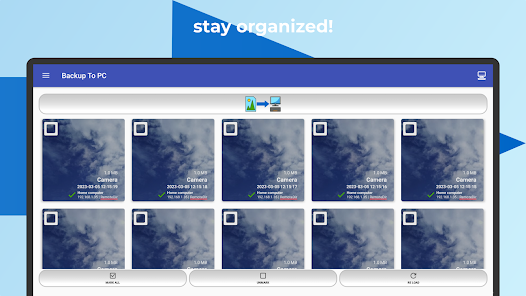
Using BACKUP TO PC ensures a smooth and efficient transfer of your valuable photos and videos to your computer. The app smartly organizes copied files into specific directories for each app, ensuring a tidy backup of your precious moments.
Secure your memories by regularly backing up photos and videos to your computer, maintaining up-to-date device file backups. The app skips existing files during repeated backups. It supports archiving media from multiple devices, creating separate directories for each device.
Highlights:
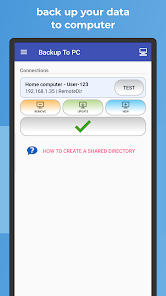
• 🔄 Set up your connection in minutes—no USB cables needed.
• 📷 Large file previews for easy file selection.
• 🔒 Your data stays private and under your control.
• ☁️ No reliance on cloud storage—your photos and videos remain in your hands.
Recommended Devices:
Samsung Galaxy, Nokia, Motorola, HTC, OPPO, Lenovo, Asus, Sony Xperia, Alcatel, Vodafone.
Note:
This application operates within a LAN network with a Computer, PC, or NAS server to ensure seamless functionality.
Preserve your cherished memories flawlessly with the comprehensive solutions of PhotoBackup and VideoBackup. Safeguard your visual narratives securely on your computer for a lasting record of your most treasured moments, offering an excellent means for chronological reference.
Compatible with Windows, macOS and Linux
Key Features:
✔️ Effortlessly back up photos and videos to your computer
✔️ Automatically sort into app-specific directories
✔️ Streamlined interface for quick and intuitive usage
✔️ Wireless backup, no USB cable required
Enjoy secure and encrypted transfers using advanced protocols:
• 📁 SMB (Samba)
• 🔐 SFTP (Secure File Transfer Protocol)
• 📂 FTP (File Transfer Protocol)
Using BACKUP TO PC ensures a smooth and efficient transfer of your valuable photos and videos to your computer. The app smartly organizes copied files into specific directories for each app, ensuring a tidy backup of your precious moments.
Secure your memories by regularly backing up photos and videos to your computer, maintaining up-to-date device file backups. The app skips existing files during repeated backups. It supports archiving media from multiple devices, creating separate directories for each device.
Highlights:
• 🔄 Set up your connection in minutes—no USB cables needed.
• 📷 Large file previews for easy file selection.
• 🔒 Your data stays private and under your control.
• ☁️ No reliance on cloud storage—your photos and videos remain in your hands.
Recommended Devices:
Samsung Galaxy, Nokia, Motorola, HTC, OPPO, Lenovo, Asus, Sony Xperia, Alcatel, Vodafone.
Note:
This application operates within a LAN network with a Computer, PC, or NAS server to ensure seamless functionality.
Preserve your cherished memories flawlessly with the comprehensive solutions of PhotoBackup and VideoBackup. Safeguard your visual narratives securely on your computer for a lasting record of your most treasured moments, offering an excellent means for chronological reference.
Compatible with Windows, macOS and Linux
Updated on
Safety starts with understanding how developers collect and share your data. Data privacy and security practices may vary based on your use, region, and age. The developer provided this information and may update it over time.


Ratings and reviews
3.9
30 reviews

M Motilewa
- Flag inappropriate
November 17, 2023
Can't connect on Pixel 7 pro but worked on my old Samsung Note 8.

Nicholas Fuentes (NicholasA1)
- Flag inappropriate
August 21, 2023
Waste of bitspace👎!
1 person found this review helpful

Vadre Are
- Flag inappropriate
May 9, 2024
Seem ok.
Michal Bukáček
July 2, 2024
Thanks.
What's new
• Notification of new files
• Faster app performance
• Bug fixes
• Faster app performance
• Bug fixes


