

ADB Shell - Debug Toolbox Pro

10K+
Downloads

PEGI 3
info
About this app
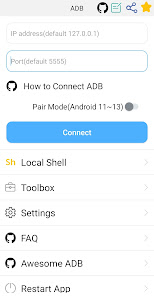
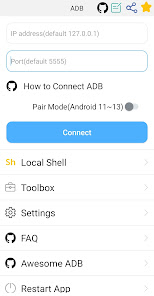
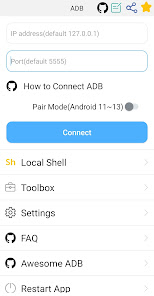
This is a powerful adb shell & toolbox.
Toolbox features:
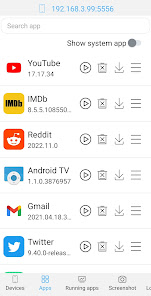
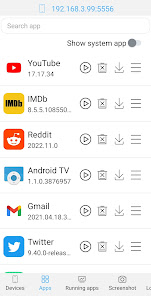
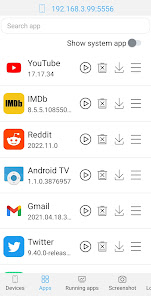
1. Support launch application & uninstall application & download application & force stop application & clear application data & disable application & enable application.
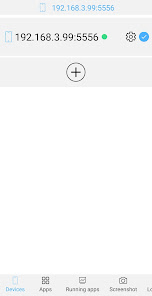
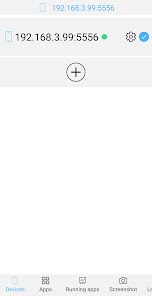
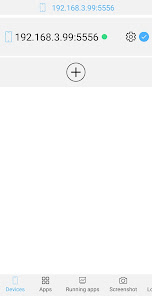
2. Support device management.
3. Support view running applications
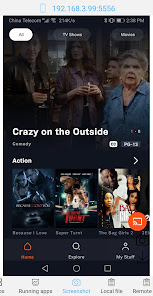
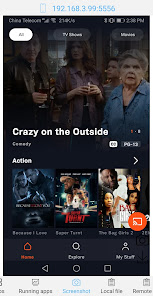
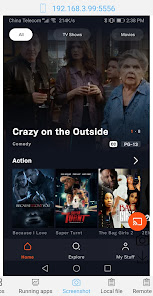
4. Support take screenshot.
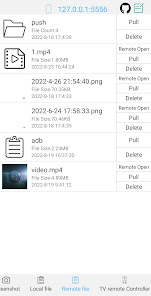
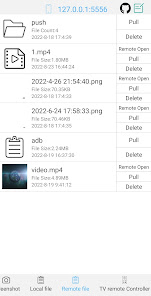
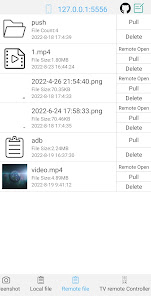
5. Support push file
6. Support install apk
7. Support pull file
8. Support to open remote image&audio&video files directly
9. Support delete remote file
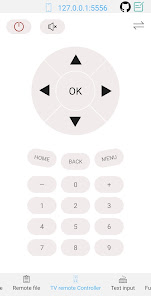
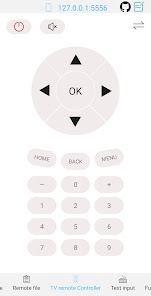
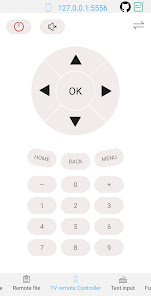
10. Support TV remote controller
11. Support text input
12. Support System monitor
13. Support view system information.
14. Support view prop information.
Shell features:
1. Support Android 4.X-Android 13
2. Support wireless pair mode(Android 11-Android13)
3. Support wifi wireless adb.
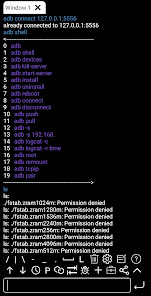
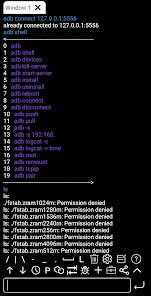
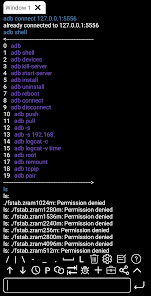
4. Support local shell adb.
5. Support associative input.
6. Support autosave output.
7. Support share output with your friends.
8. Support command history.
9. Support fast copy command.
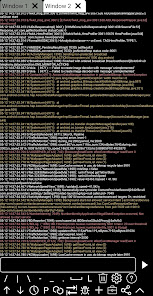
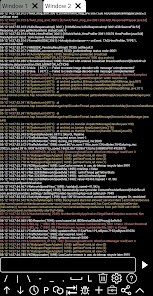
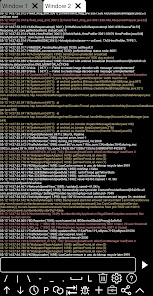
10. Support multi-window.
11. Support color text.
12. Support run on the background.
13. Support recommend commands.
14. Support recommend files.
15. Support prefab commands.
16. Support logcat.
How to enable adb https://github.com/jarhot1992/Remote-ADB/blob/main/md/tutorials.md
discuss & feedback
github https://github.com/jarhot1992/Remote-ADB
email colorboxguestservice@gmail.com
awesome-adb https://github.com/mzlogin/awesome-adb/blob/master/README.en.md
Toolbox features:
1. Support launch application & uninstall application & download application & force stop application & clear application data & disable application & enable application.
2. Support device management.
3. Support view running applications
4. Support take screenshot.
5. Support push file
6. Support install apk
7. Support pull file
8. Support to open remote image&audio&video files directly
9. Support delete remote file
10. Support TV remote controller
11. Support text input
12. Support System monitor
13. Support view system information.
14. Support view prop information.
Shell features:
1. Support Android 4.X-Android 13
2. Support wireless pair mode(Android 11-Android13)
3. Support wifi wireless adb.
4. Support local shell adb.
5. Support associative input.
6. Support autosave output.
7. Support share output with your friends.
8. Support command history.
9. Support fast copy command.
10. Support multi-window.
11. Support color text.
12. Support run on the background.
13. Support recommend commands.
14. Support recommend files.
15. Support prefab commands.
16. Support logcat.
How to enable adb https://github.com/jarhot1992/Remote-ADB/blob/main/md/tutorials.md
discuss & feedback
github https://github.com/jarhot1992/Remote-ADB
email colorboxguestservice@gmail.com
awesome-adb https://github.com/mzlogin/awesome-adb/blob/master/README.en.md
Updated on
Safety starts with understanding how developers collect and share your data. Data privacy and security practices may vary based on your use, region, and age. The developer provided this information and may update it over time.

No data shared with third parties
Learn more about how developers declare sharing

No data collected
Learn more about how developers declare collection

Data is encrypted in transit

Data can’t be deleted
What’s new
1. Hideable Connection Panel on Terminal Page
The connection panel on the terminal page can now be shown or hidden for a cleaner interface.
2. Bug Fixes
Fixed several known issues to improve stability and reliability.
3. UI Improvements
Enhanced UI visuals for a smoother and more consistent experience.
4. Text & Copy Optimization
Improved some in-app text for better clarity and readability.
The connection panel on the terminal page can now be shown or hidden for a cleaner interface.
2. Bug Fixes
Fixed several known issues to improve stability and reliability.
3. UI Improvements
Enhanced UI visuals for a smoother and more consistent experience.
4. Text & Copy Optimization
Improved some in-app text for better clarity and readability.
App support
About the developer
杨忠磊
colorboxguestservice@gmail.com
金刚镇山虎村明星片红旗组390号
浏阳市, 长沙市, 湖南省
China
410313


