OneplusClock
3.2star
7.56K reviews
100M+
Downloads

Everyone
info
About this app
The Clock app helps you manage your time with alarms, world clock, stopwatch, and timers.
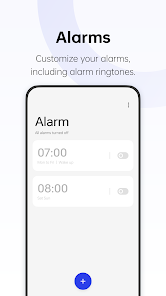
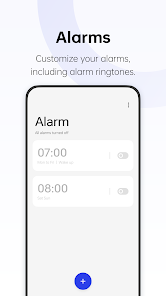
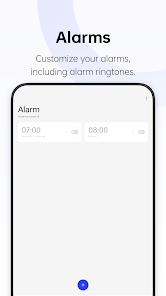
- You can customize alarm settings, including ringtones.
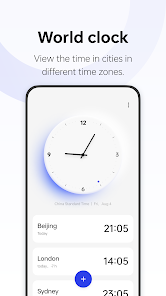
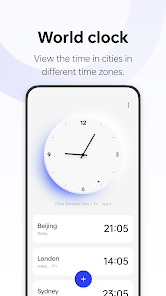
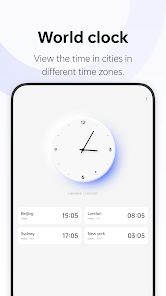
- Add cities in different time zones to view local times at a glance.
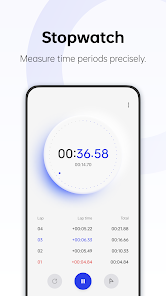
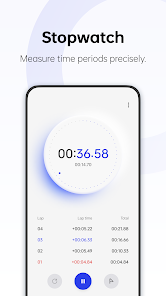
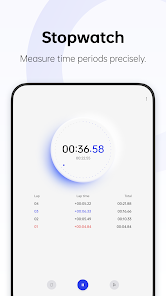
- The stopwatch helps you precisely measure time periods.
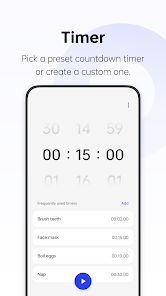
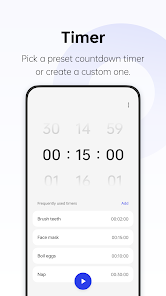
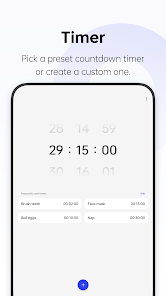
- Preset timers for some daily tasks are provided. You can also create custom timers.
- You can customize alarm settings, including ringtones.
- Add cities in different time zones to view local times at a glance.
- The stopwatch helps you precisely measure time periods.
- Preset timers for some daily tasks are provided. You can also create custom timers.
Updated on
Safety starts with understanding how developers collect and share your data. Data privacy and security practices may vary based on your use, region, and age. The developer provided this information and may update it over time.

No data shared with third parties
Learn more about how developers declare sharing

No data collected
Learn more about how developers declare collection
Ratings and reviews
3.1
7.5K reviews

Dylan Keyhantaj
- Flag inappropriate
October 3, 2025
Always works well, has nice animations, and provides a good overall experience. However, I would really love to see 2 features added. Firstly, the ability to manually type in the hours/minutes for alarms and timers. This is a feature on most clock apps, and it is so infuriating to have to scroll through for every single alarm. Secondly, I would love to see alarm folders implemented. For example, being able to have a folder of 5 alarms for early work mornings. :)
11 people found this review helpful

Teemu Peltonen
- Flag inappropriate
November 6, 2025
Looks almost identical to Google Clock, but is in many ways inferior to it. 1. Alarm allows only 2 snoozes, and after that the same clicking of side buttons (that was snoozing before) turns the alarm completely off for some incomprehensible reason. 2. Setting up alarms is super slow with those rolling sliders compared to Google's "clock face interface". 3. Same for the timer. Sliders are annoying. 4. Only one timer. Enough for most cases, but simply not enough in the kitchen.
1 person found this review helpful

Goulun Lhungdim
- Flag inappropriate
October 25, 2025
I just switched from Samsung to OnePlus, and one thing I don't like about the OnePlus Clock app is that when we set a timer, it doesn’t show the exact time it will end or when the alarm will go off. I found this feature on my previous phone (Galaxy S21 FE), and it was very helpful I didn’t have to calculate the time in my head.
What’s new
Fixes some known issues.
App support
About the developer
深圳市万普拉斯科技有限公司
apps_health@oneplus.com
中国
广东省深圳市
前海深港合作区前湾一路1号A栋201室
邮政编码: 518066
+86 137 1292 6397


