
Infor Field Inspector
3,0star
17 recenzija
1 hilj.+
Preuzimanja

Svako
info
O aplikaciji
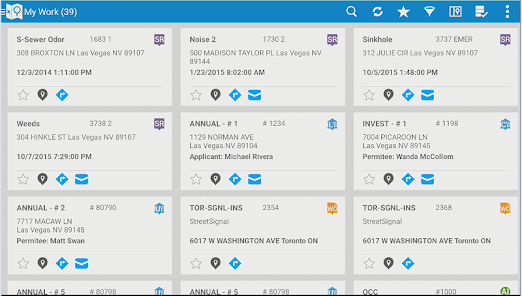
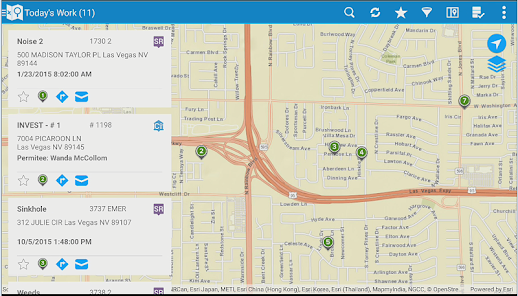
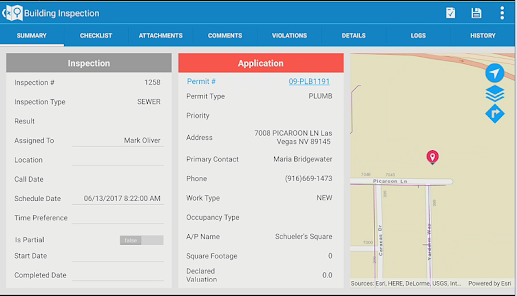
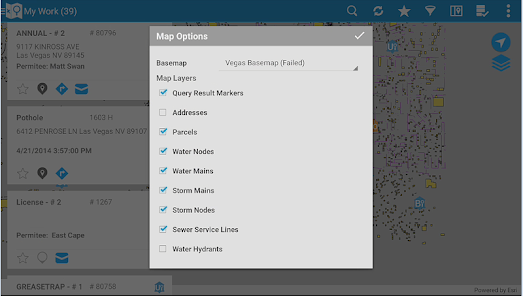
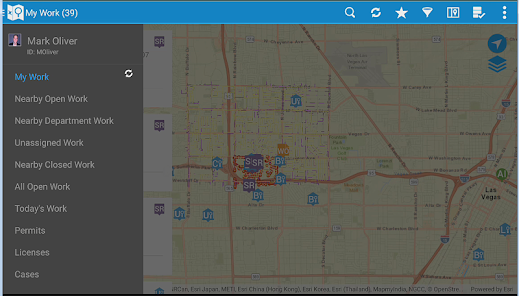
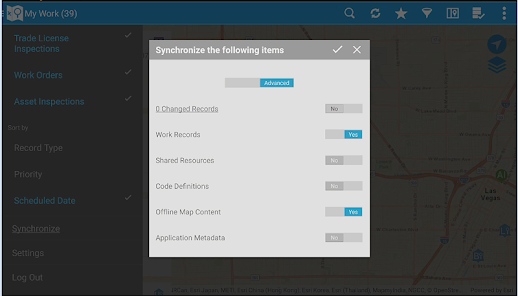
The Infor Field Inspector allows government inspectors and technicians to access their assigned work information from the field. Inspection results, project completion costs and status are updated immediately or synchronized at a later time if network connectivity is unavailable. Content can be modified through configuration. Designed to work with the Infor Operations and Regulations application, field staff can quickly and efficiently perform the following:
• Download, view, and edit their assigned permitting inspections, service requests, work orders and asset inspections
• Add comments and log entries
• Take and attach photos
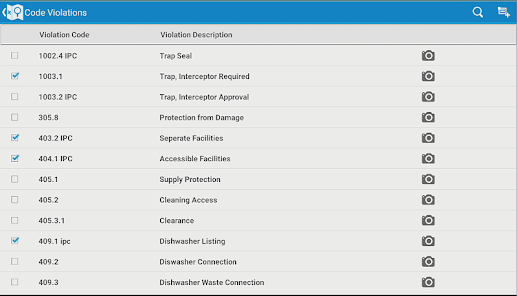
• Issue inspection based code violations
• Add multiple types of usage costs to work orders and service requests
• Add observations and sample units to asset inspections
• View and modify agency specific detail information
• Print reports
• Create new service requests, CDR inspections, work orders, case records, and asset inspections
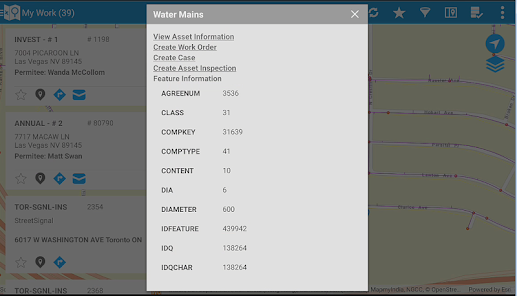
• Lookup assets and addresses from the map
• Access and edit asset specific details
• Work disconnected or connected
Note: By downloading this mobile application, you acknowledge to reading and agreeing to the corresponding end user license agreement.
• Download, view, and edit their assigned permitting inspections, service requests, work orders and asset inspections
• Add comments and log entries
• Take and attach photos
• Issue inspection based code violations
• Add multiple types of usage costs to work orders and service requests
• Add observations and sample units to asset inspections
• View and modify agency specific detail information
• Print reports
• Create new service requests, CDR inspections, work orders, case records, and asset inspections
• Lookup assets and addresses from the map
• Access and edit asset specific details
• Work disconnected or connected
Note: By downloading this mobile application, you acknowledge to reading and agreeing to the corresponding end user license agreement.
Ažurirano dana
Sigurnost počinje razumijevanjem na koji način programeri prikupljaju i dijele vaše podatke. Privatnost podataka i sigurnosne prakse se mogu razlikovati ovisno o korištenju, regiji i dobi. Programer je naveo ove informacije i može ih s vremenom ažurirati.

Podaci se ne dijele s trećim stranama
Saznajte više o načinu na koji programeri pružaju izjavu o dijeljenju

Podaci se ne prikupljaju
Saznajte više o načinu na koji programeri pružaju izjavu o prikupljanju
Ocjene i recenzije
2,0
11 recenzija
Što je novo
Fixed issue specially when users tapped the "Print" icon to access reports in the mobile app, it could take up to two minutes for the list of reports to appear, even on a strong WiFi connection. This delay was especially problematic during field operations and training, causing frustration and impacting productivity. The root cause was that the app loaded report properties one at a time, resulting in slow performance as the number of configured reports increased.
Podrška za aplikaciju
phone
Telefonski broj
+18777724111
Informacije o programeru
Infor (US), LLC
peter.nusios@infor.com
641 Avenue OF The Americas
New York, NY 10011-2014
United States
+420 722 931 023


