VGBAnext GBA/GBC/NES Emulator
4.3star
1.5K reviews
10K+
Downloads

Everyone
info
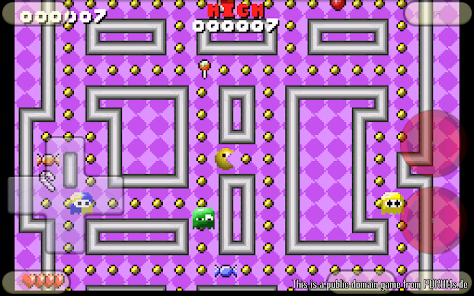
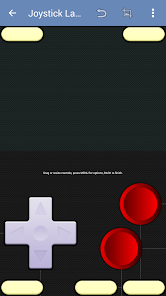
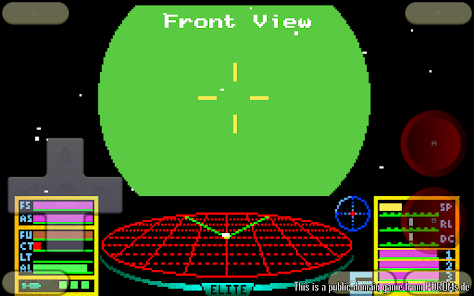
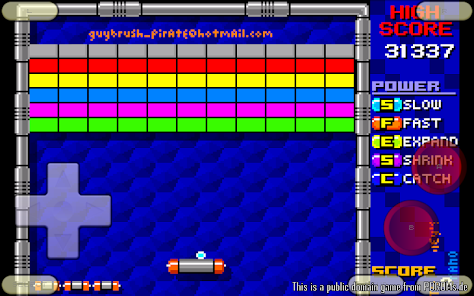


About this game
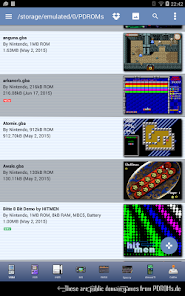
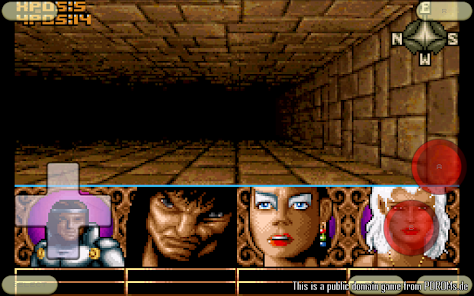
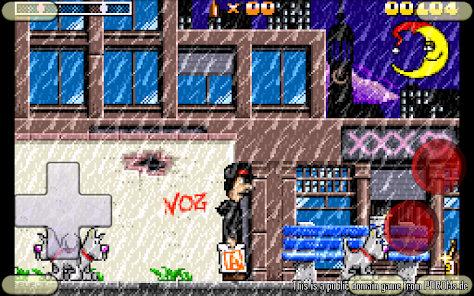
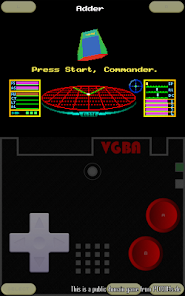
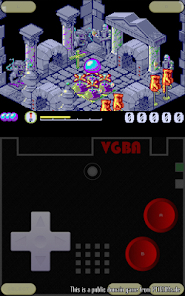
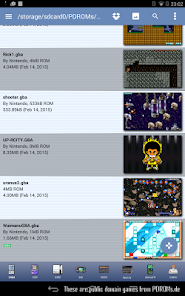
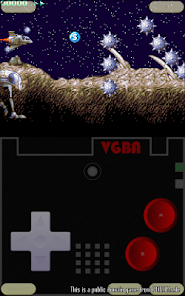
VGBAnext runs games written for GBA, GBC, GB, NES, Famicom, DiskSystem, and VS System gaming consoles. It also emulates many addons, such as tilt sensors, light guns, vibration packs, printers, and more. VGBAnext is specifically opimized for Android devices. It lets you save game progress at any moment, or even rewind gameplay back in time. You can exchange saved game states with other users, or play together by using the network play. VGBAnext supports AndroidTV, GoogleTV, and a variety of gamepads, including Xperia Play, Moga, iCade, Sixaxis, Nyko PlayPad, and others.
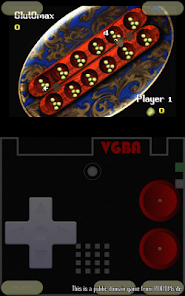
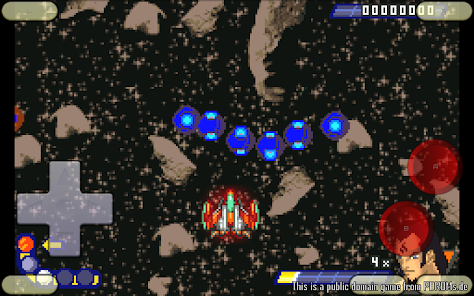
* Supports full screen landscape and portrait modes, with many special effect options and customizable skin.
* Supports Moga and iCade gamepads, Nyko PlayPad, Xperia Play, and Sixaxis.
* Supports AndroidTV devices, such as ShieldTV, Nexus Player, and ADT-1.
* Supports GoogleTV devices running Android 4.x (Jelly Bean), such as LG G2/G3.
* Save gameplay at any point and go back to that point once your character gets killed.
* Rewind gameplay 16 seconds back with a single keypress.
* Share your current progress with other users via State Exchange feature.
* Use Network Play to play with other users over WiFi.
* Play with your hardware keyboard, gamepad, touch screen, or accelerometer.
* Record game soundtrack to MIDI files and use them as ringtones.
* On-screen buttons can be freely rearranged.
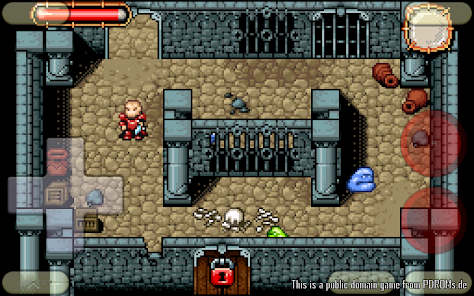
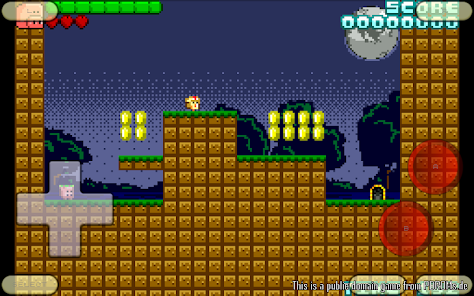
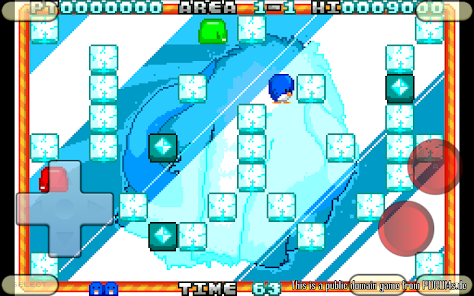
VGBAnext comes with a single public domain game. You can find more free public domain games at http://pdroms.de/. Please, do not run any software you do not own with VGBAnext.
Please, report any encountered problems here:
http://groups.google.com/group/emul8
* Supports full screen landscape and portrait modes, with many special effect options and customizable skin.
* Supports Moga and iCade gamepads, Nyko PlayPad, Xperia Play, and Sixaxis.
* Supports AndroidTV devices, such as ShieldTV, Nexus Player, and ADT-1.
* Supports GoogleTV devices running Android 4.x (Jelly Bean), such as LG G2/G3.
* Save gameplay at any point and go back to that point once your character gets killed.
* Rewind gameplay 16 seconds back with a single keypress.
* Share your current progress with other users via State Exchange feature.
* Use Network Play to play with other users over WiFi.
* Play with your hardware keyboard, gamepad, touch screen, or accelerometer.
* Record game soundtrack to MIDI files and use them as ringtones.
* On-screen buttons can be freely rearranged.
VGBAnext comes with a single public domain game. You can find more free public domain games at http://pdroms.de/. Please, do not run any software you do not own with VGBAnext.
Please, report any encountered problems here:
http://groups.google.com/group/emul8
Updated on
Safety starts with understanding how developers collect and share your data. Data privacy and security practices may vary based on your use, region, and age. The developer provided this information and may update it over time.

No data shared with third parties
Learn more about how developers declare sharing

This app may collect these data types
App info and performance and Device or other IDs

Data is encrypted in transit

Data can’t be deleted
Ratings and reviews
4.2
1.4K reviews

Lucky Hunt
- Flag inappropriate
January 17, 2024
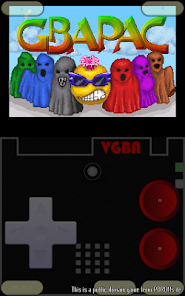
It keeps telling me I need to grant it permissions, but when I looked, it says no permissions are needed. I literally can't give it permissions. I will be requesting a refund because for the life of me, I can't get it to work. No matter how many reddit posts and youtube videos I search, I can't figure it out. It simply loads some weird pacman thing anytime I want to load a game. If the team that made this can help, i will buy it again and change my rating.
4 people found this review helpful
Garage Research Emulators
January 17, 2024
Did you try clicking on "internal storage" inside the app and selecting a folder for it to use?

A Google user
- Flag inappropriate
June 15, 2019
I, like many others, was very disappointed when cheats were suddenly disabled as I'd used them just days prior to it happening. It didn't sour my experience with the app though, it was still a top notch emulator. I just fired it up today for the first time in a few months to find the creator had found a workaround to get our beloved cheats back. If you're one to quickly complain I'd urge you to look through these reviews or in the app itself to activate the cheatopedia.
5 people found this review helpful

T Maw
- Flag inappropriate
- Show review history
September 22, 2023
I've had to restart everything twice. After emailing back and forth I sort of got it to work.... sometimes. Save state/freeze didn't work again today. I have given file permissions for the folder. I may try once more, but I had better luck getting things to work on Windows 3.11/dos back in the day.
1 person found this review helpful
Garage Research Emulators
September 18, 2023
That is because you are not clicking on the "Internal Storage" and not granting VGBAnext a new permission to access your storage, where your states/images live. Also, if you delete these save states on your own for some reason, there is now way VGBAnext can get them back for you.
What’s new
* Fixed crash when initializing audio.
* Enabled 16kB memory page support.
* Switched to NDK 28.
* Enabled 16kB memory page support.
* Switched to NDK 28.
App support
About the developer
GARAGE RESEARCH CORP.
luarvique@gmail.com
11 Plato Ter
Winchester, MA 01890
United States
+1 410-370-9290


