
NOMone Desktop - Linux and VR
In-app purchases

4.3star
609 reviews
50K+
Downloads

Everyone
info
About this app
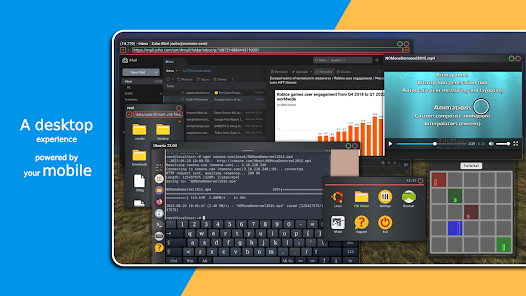
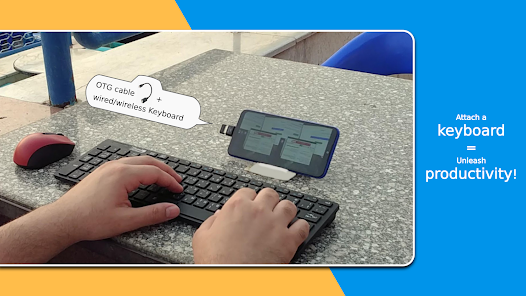
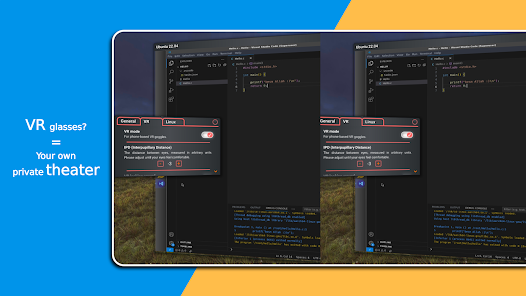
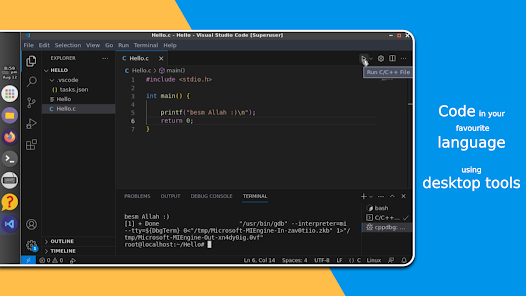
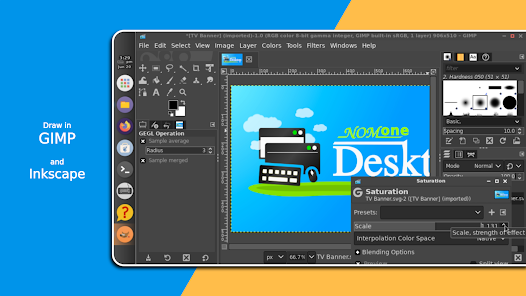
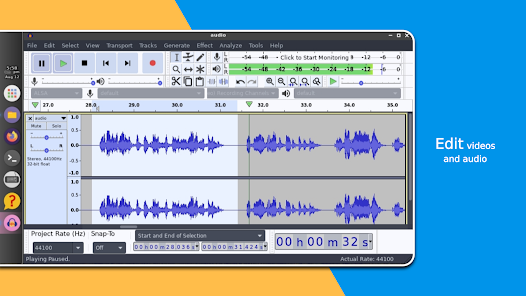
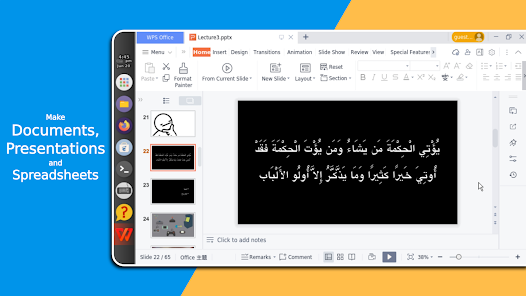
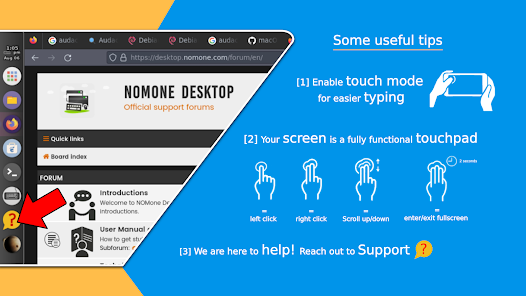
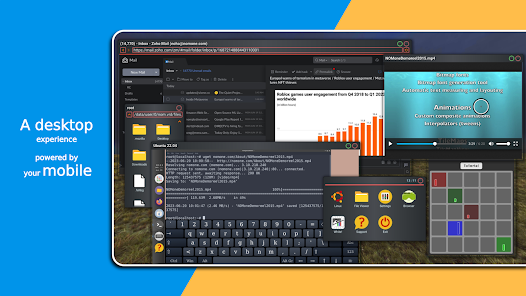
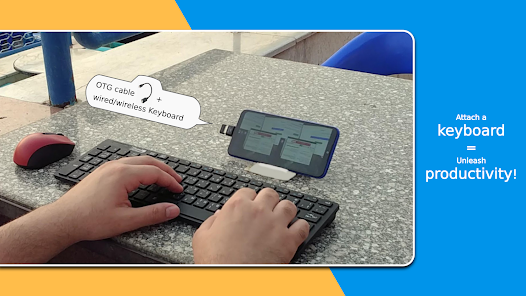
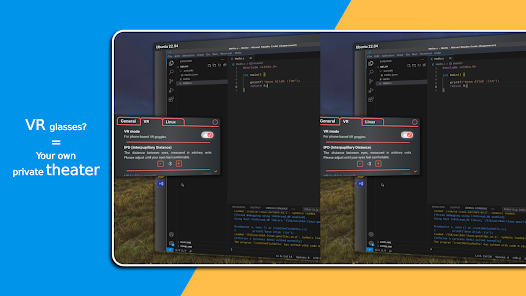
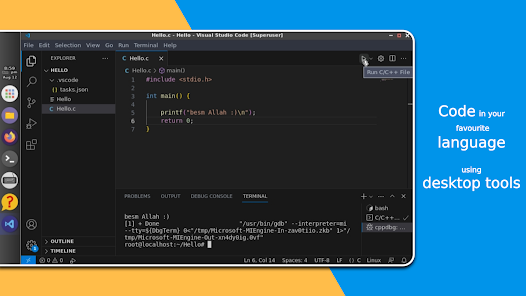
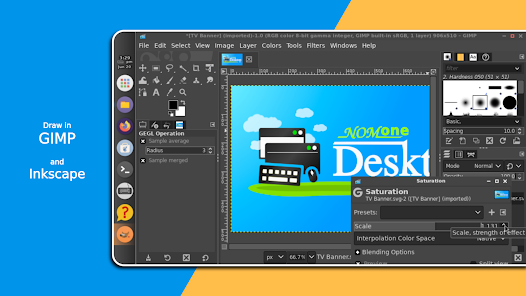
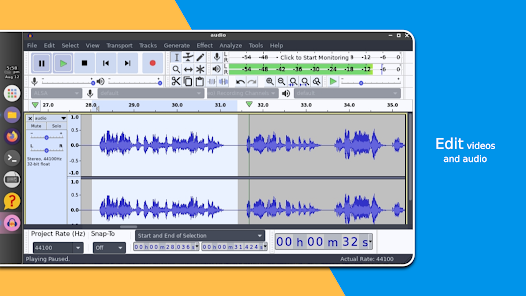
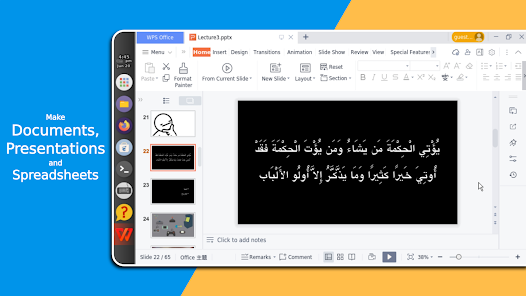
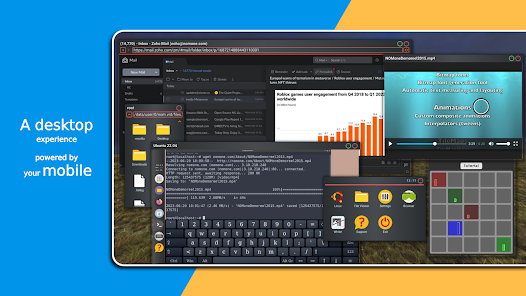
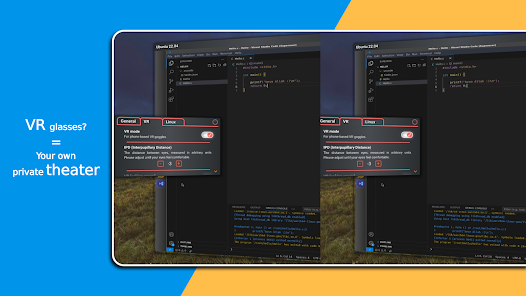
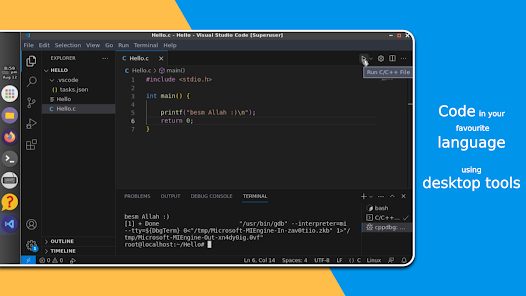
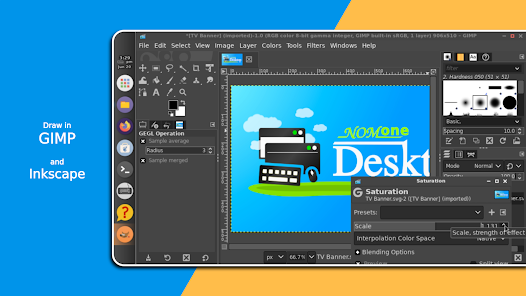
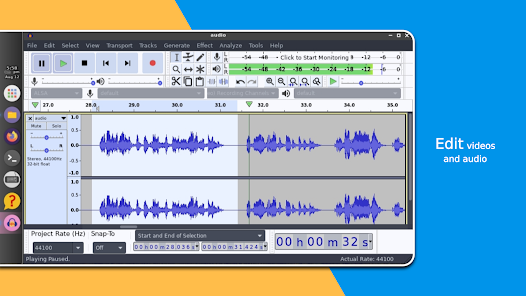
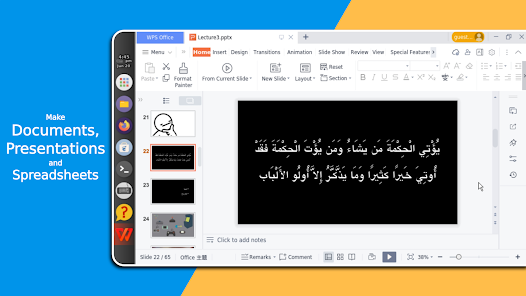
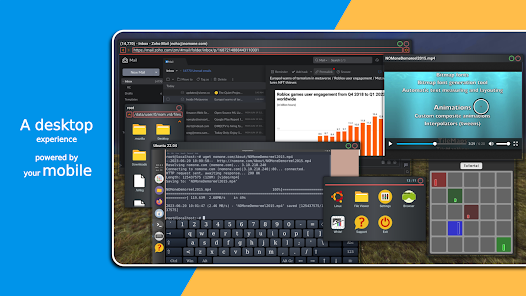
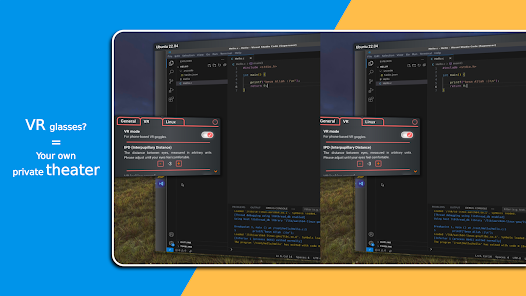
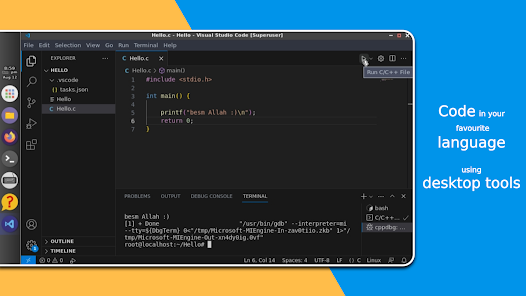
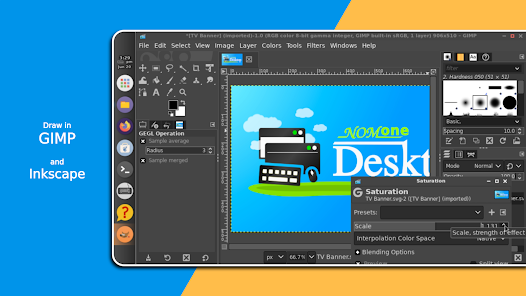
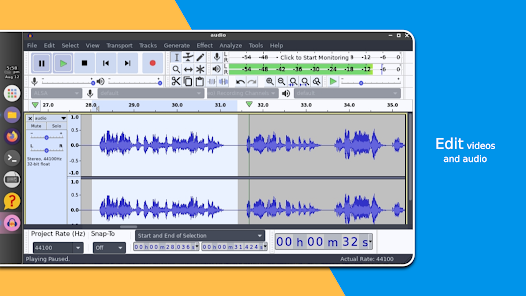
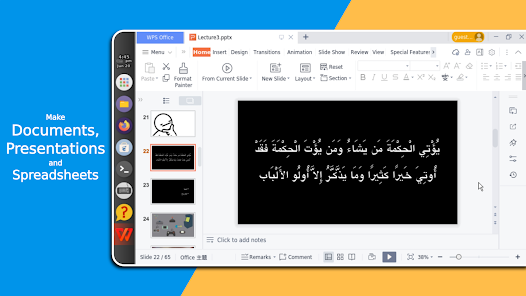
Try our desktop experience running entirely on your smartphone/tablet/smart TV. Phone screen is too small, or just want to work from bed? Try our VR mode!
Built from scratch with productivity and performance in mind:
- Easiest way to install Linux on your phone so far.
- Intuitive desktop interface.
- Window-based multi-tasking.
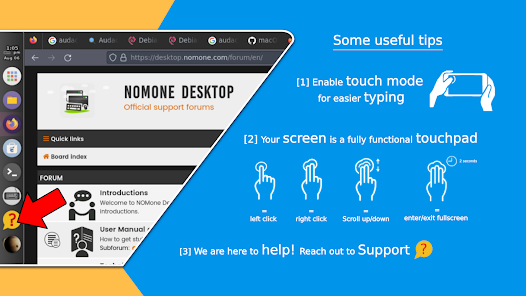
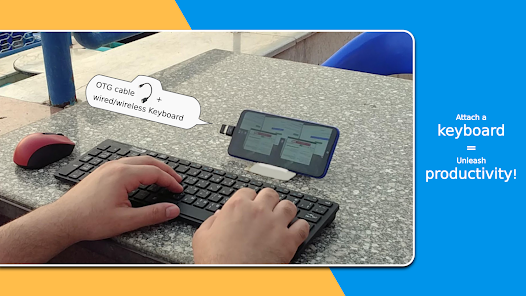
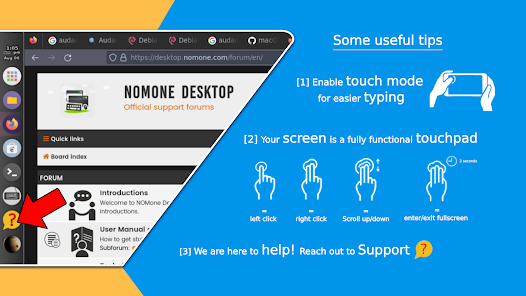
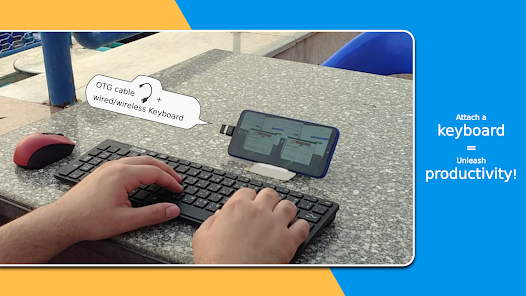
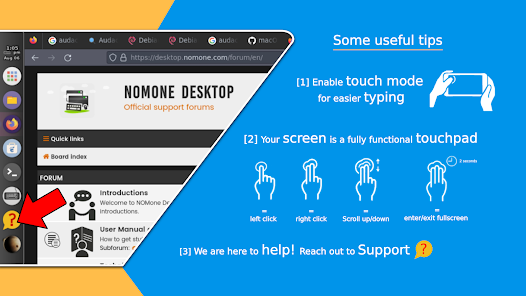
Finding your way in Linux for the first time can be challenging. And doing this on a phone can be frustrating. We did our best to blur the barrier between phones and PCs, but without proper hardware and peripherals, there's only so much we can offer. We ask you to be patient, and to reach out for support whenever a basic search is not sufficient. Email us at:
desktop.support@nomone.com
or join our forums:
https://desktop.nomone.com/forum
And for news, offers and tutorials, follow us on facebook:
https://www.facebook.com/groups/desktop.nomone/
This is our initial release. We have tons of features, apps and tweaks lined up for the following releases. We hope you enjoy this ride, and please keep supporting us :)
Built from scratch with productivity and performance in mind:
- Easiest way to install Linux on your phone so far.
- Intuitive desktop interface.
- Window-based multi-tasking.
Finding your way in Linux for the first time can be challenging. And doing this on a phone can be frustrating. We did our best to blur the barrier between phones and PCs, but without proper hardware and peripherals, there's only so much we can offer. We ask you to be patient, and to reach out for support whenever a basic search is not sufficient. Email us at:
desktop.support@nomone.com
or join our forums:
https://desktop.nomone.com/forum
And for news, offers and tutorials, follow us on facebook:
https://www.facebook.com/groups/desktop.nomone/
This is our initial release. We have tons of features, apps and tweaks lined up for the following releases. We hope you enjoy this ride, and please keep supporting us :)
Updated on
Safety starts with understanding how developers collect and share your data. Data privacy and security practices may vary based on your use, region, and age. The developer provided this information and may update it over time.

No data shared with third parties
Learn more about how developers declare sharing

No data collected
Learn more about how developers declare collection
Ratings and reviews
4.4
545 reviews

Steven Techno (Steven Lee)
- Flag inappropriate
October 31, 2025
I'm really enjoying this app as a portable desktop solution. The S Pen mouse integration is brilliant. Two key improvements would make it even better: the ability to choose a Desktop Environment (like XFCE) and proper session management with auto-start and a clean shutdown command. I did see a comment mentioning Plasma, that would be really killer!
NOMone Software
November 1, 2025
We're glad you're having a smooth experience 🥰. Although you can now manually switch to Plasma , an auto solution would be much better. A new image of Debian 12.7 has just been uploaded with proper shutdown and toggle full screen icons :). We are also discussing the option to directly launch Linux. Thank you for improving the app for everyone ❤️

Lee Hodson
- Flag inappropriate
October 10, 2025
The only Linux on Android app that works properly. Easy to use. Installs a full screen usable Linux desktop in minutes. And there is sound! So far I have installed Debian package updates (with sudo), Flatpak, Gnome Software Manager, VLC and SuperTux. The app needs a virtual games controller mode. The virtual mouse works well, as does the virtual keyboard but they're not good for playing games. Will Plasma be added in a future release? I hope so. I like this app very much. Thank you.
2 people found this review helpful
NOMone Software
October 15, 2025
Glad you’re having a smooth experience 🥰 Your points are spot on! A virtual controller is a great idea. I’ve added it to our to-do list! We’re also working on support for multiple systems, one of which should have KDE. Thank you so much for the awesome feedback ❤️

Bear Shelton
- Flag inappropriate
December 1, 2025
this is the most easy and comprehensive Linux desktop environment app available today. with unbelievable amount of packages and repositories. works as it was designed with many rich features. truly the development team has went above and beyond. why screw around with the endless install and quirky options of trying to build and environment within termux app. just do it with ease and stability with NOMone. does allow root access to a certain degree. the rest operates as Linux should.
What’s new
- Hopefully more crash fixes. Those who are having issues, please bear with us ❤️
App support
About the developer
Omar El Sayyed Abd El Mottaleb Ahmad Ghanim
desktop.support@nomone.com
7 Abu El Nour st., Ezbet El Ward, Boulak El Dakrour
Giza
الجيزة 12549
Egypt
undefined


