
Remote Access Plus
5ହ+
ଡାଉନଲୋଡ

ସମସ୍ତେ
info
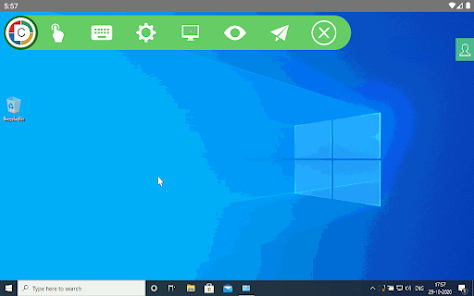
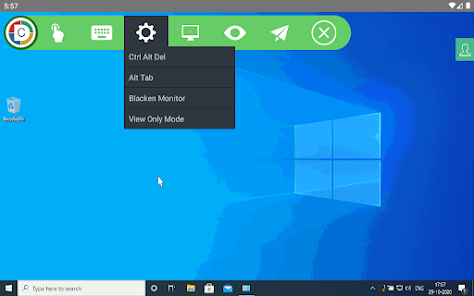
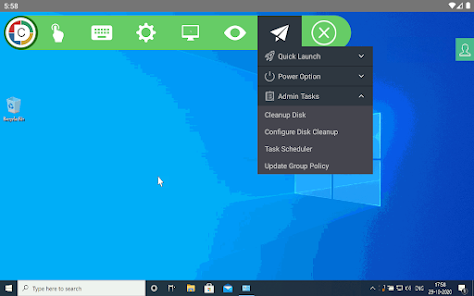
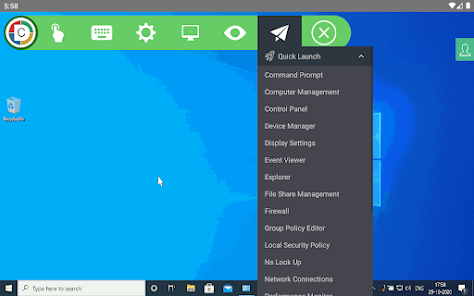

ଏହି ଆପ୍ ବିଷୟରେ
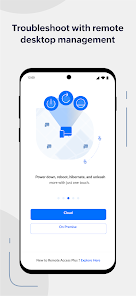
Remote into your computer while you're on the move!
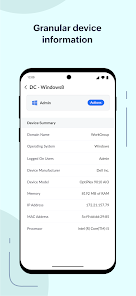
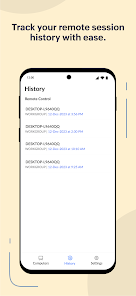
ManageEngine Remote Access Plus helps you access remote computers irrespective of their location and lets you resolve troubleshooting requests at lightning speed. Available both on cloud and on-premises, Remote Access Plus can be deployed in organizations of any size without any hassle.
What can I do using the Remote Access Plus application?
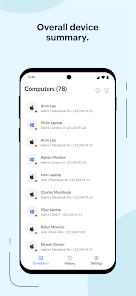
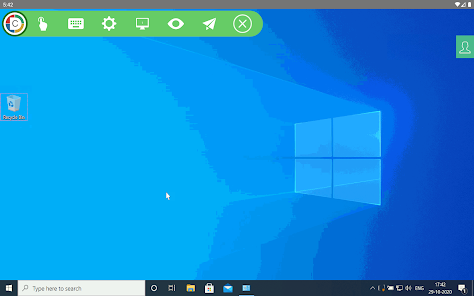
Access endpoints right from your mobile device
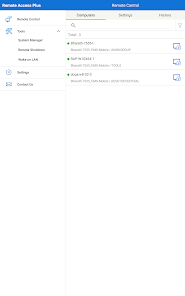
• Connect to remote computers on the go with unattended remote access.
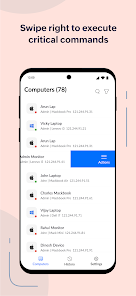
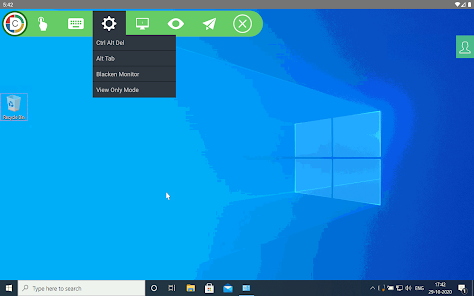
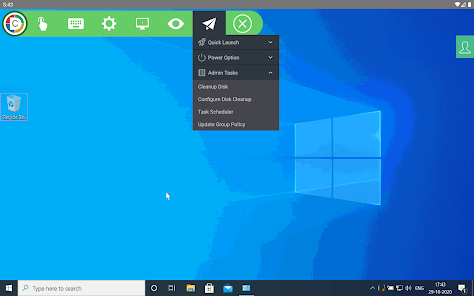
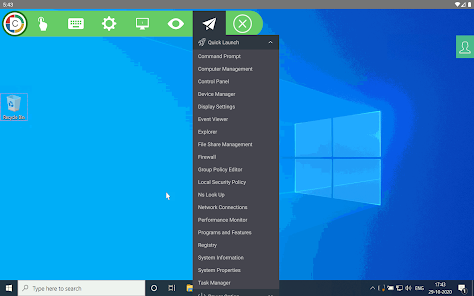
• Perform administrative operations using "Quick Launch".
Diagnose computers without hindering productivity
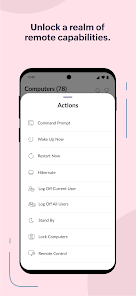
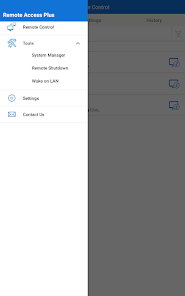
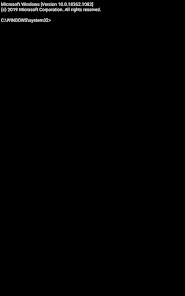
• Access Command Prompt and execute commands using system account
• Cut-down production costs by turning off computers with no active users
• Wake computers on LAN and kick-start your troubleshooting without hiccups
How do I activate the app?
Step 1: Install the Remote Access Plus mobile app on your Android device.
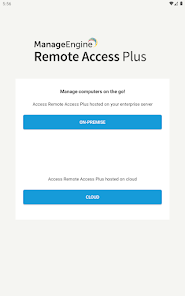
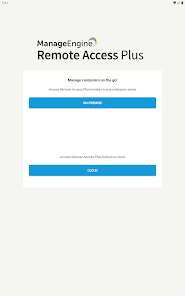
Step 2: If you're using the Remote Access Plus on-premises solution, provide the server name and the port being used, followed by the credentials.
Step 3: If you're using the cloud edition, log in to your Remote Access Plus account.
Step 4: You can now access the Remote Access Plus console from your mobile device.
ManageEngine Remote Access Plus helps you access remote computers irrespective of their location and lets you resolve troubleshooting requests at lightning speed. Available both on cloud and on-premises, Remote Access Plus can be deployed in organizations of any size without any hassle.
What can I do using the Remote Access Plus application?
Access endpoints right from your mobile device
• Connect to remote computers on the go with unattended remote access.
• Perform administrative operations using "Quick Launch".
Diagnose computers without hindering productivity
• Access Command Prompt and execute commands using system account
• Cut-down production costs by turning off computers with no active users
• Wake computers on LAN and kick-start your troubleshooting without hiccups
How do I activate the app?
Step 1: Install the Remote Access Plus mobile app on your Android device.
Step 2: If you're using the Remote Access Plus on-premises solution, provide the server name and the port being used, followed by the credentials.
Step 3: If you're using the cloud edition, log in to your Remote Access Plus account.
Step 4: You can now access the Remote Access Plus console from your mobile device.
ଗତ ଅପଡେଟର ସମୟ
ଡେଭେଲପରମାନେ ଆପଣଙ୍କ ଡାଟାକୁ କିପରି ସଂଗ୍ରହ ଏବଂ ସେୟାର କରନ୍ତି ସେହି ଧାରଣା ସହିତ ସୁରକ୍ଷା ଆରମ୍ଭ ହୁଏ। ଆପଣଙ୍କ ବ୍ୟବହାର, ଅଞ୍ଚଳ ଏବଂ ବୟସ ଆଧାରରେ, ଡାଟା ଗୋପନୀୟତା ଓ ସୁରକ୍ଷା ପ୍ରାକ୍ଟିସ ଭିନ୍ନ ହୋଇପାରେ। ଡେଭେଲପର ଏହି ସୂଚନା ପ୍ରଦାନ କରିଛନ୍ତି ଏବଂ ସେ ସମୟାନୁସାରେ ଏହାକୁ ଅପଡେଟ କରିପାରନ୍ତି।

ତୃତୀୟ ପକ୍ଷଗୁଡ଼ିକ ସହ କୌଣସି ଡାଟା ସେୟାର କରାଯାଇନାହିଁ
ଡେଭେଲପରମାନେ କିପରି ସେୟାରିଂର ଘୋଷଣା କରନ୍ତି ସେ ବିଷୟରେ ଅଧିକ ଜାଣନ୍ତୁ

ଏହି ଆପ ଏହି ପ୍ରକାର ଡାଟା ସଂଗ୍ରହ କରିପାରେ
ଲୋକେସନ, ବ୍ୟକ୍ତିଗତ ସୂଚନା ଏବଂ ଅନ୍ୟ 4ଟି

ଟ୍ରାଞ୍ଜିଟ ସମୟରେ ଡାଟା ଏନକ୍ରିପ୍ଟ କରାଯାଇଥାଏ

ଡାଟା ଡିଲିଟ କରାଯାଇପାରିବ ନାହିଁ
ନୂଆ କଣ ଅଛି
- Refreshed App icon to reflect our latest branding.
- Faster performance and improved responsiveness.
- Minor bug fixes and stablity improvements.
- Faster performance and improved responsiveness.
- Minor bug fixes and stablity improvements.
ଆପ ସପୋର୍ଟ
phone
ଫୋନ୍ ନମ୍ଵର୍
+19259249500
ଡେଭେଲପରଙ୍କ ବିଷୟରେ
Zoho Corporation
mobileapp-support@zohocorp.com
4141 Hacienda Dr
Pleasanton, CA 94588-8566
United States
+91 98409 60039


