
One Calendar
In-app purchases
4.6star
58K reviews
1M+
Downloads

Everyone
info





About this app
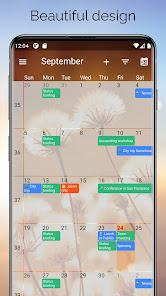
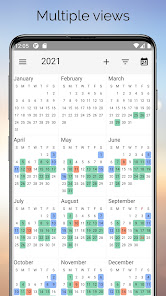
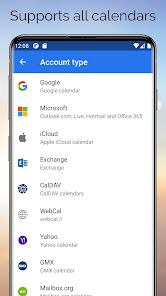
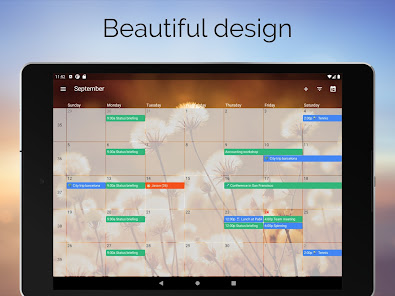
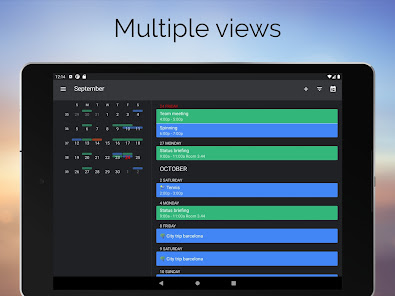
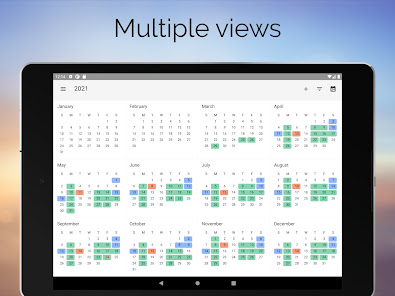
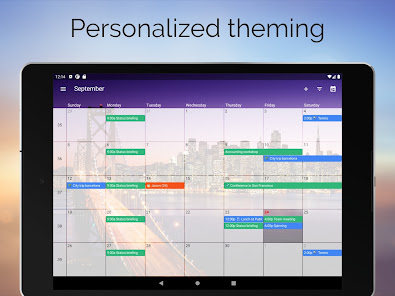
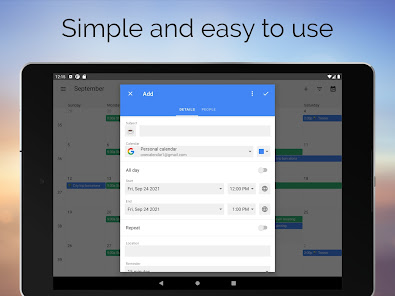
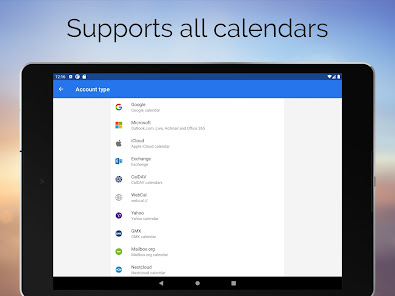
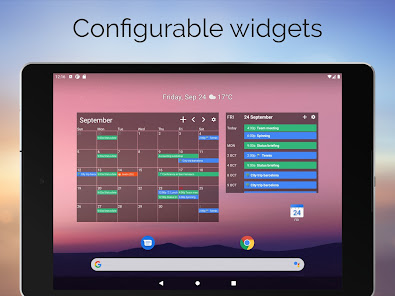
The most popular app to view all your calendars like Google, Live, Outlook, iCloud, Exchange, Office365, Yahoo, Nextcloud, Synology, GMX, Mailbox.org, ownCloud and more. OneCalendar integrates all your calendars into an easy-to-read overview. View and manage all your appointments, events and birthdays.
OneCalendar is available on all platforms (Android, iOS, MacOS and Windows).
OneCalendar is available on all platforms (Android, iOS, MacOS and Windows).
Updated on
Safety starts with understanding how developers collect and share your data. Data privacy and security practices may vary based on your use, region, and age. The developer provided this information and may update it over time.

No data shared with third parties
Learn more about how developers declare sharing

This app may collect these data types
Personal info, Financial info and 2 others

Data is encrypted in transit

You can request that data be deleted
Ratings and reviews
4.6
54.9K reviews

Noah D (NoahD)
- Flag inappropriate
August 17, 2024
I've been looking for a calendar app that works with my self hosted Nextcloud server (version 29). The app is incredibly easy to use and setup. Very simple GUI which is exactly what I want. I haven't had it long enough to see if the notifications work or not but it does sync without issues to and from my Nextcloud server. Very impressed so far. Also, I looked around the app to see if there is a donate or send me a beer/coffee but didn't see one as I want to send them few bucks.
10 people found this review helpful

Brianna Modzel
- Flag inappropriate
- Show review history
August 5, 2024
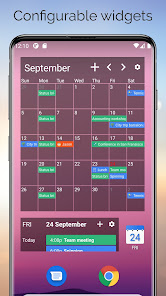
I've used this for years and have loved being able to bring all my calendars to one place but for the last few months my widget will not update or it get stuck on the wrong month. I have to uninstall and reinstall the widget which at first wasn't too bad while I waited for it to be fixed but I'm SICK OF IT! I have been more than patient.. get this app together. On top of that even with my timezones being set to EST it keeps switching to UTC which is 5hrs off. I'm about ready to delete this app
5 people found this review helpful
Code Spark
August 9, 2024
Hi, could you please contact support.android@onecalendar.nl and we will try to resolve this issue for you.

Anna Zamora
- Flag inappropriate
June 30, 2024
I love this app, it has really helped me be more organizedand not schedule myself for 2 things at once by accident. I use Teams for work and Google calendar for my personal life, and I love that I can see both so when I'm scheduling something I can see if it conflicts with anything else in my life. Also when things automatically upload to any calendar they go here as well.
6 people found this review helpful
What's new
Fix Exchange authentication
App support
About the developer
Code Spark
support@codespark.biz
Roosje Vosstraat 53
1963 CR Heemskerk
Netherlands
+31 85 303 8221


