
Screen Mirroring Pro for Roku
3.1star
2.78K reviews
100K+
Downloads

Everyone
info
About this app
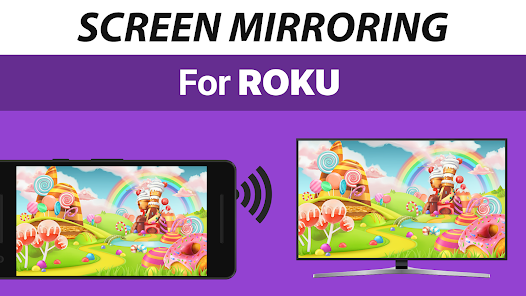
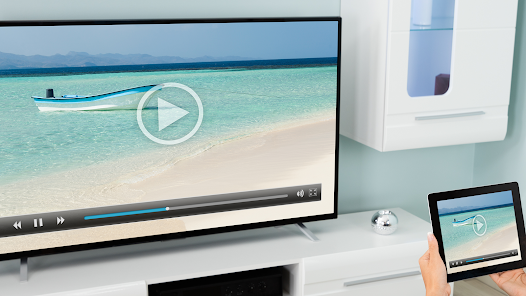
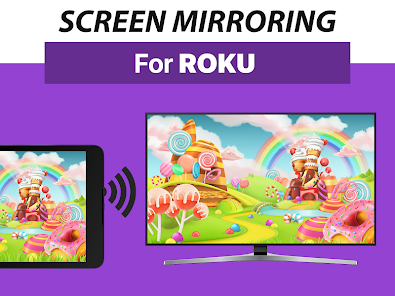
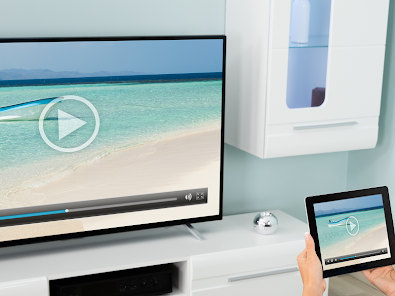
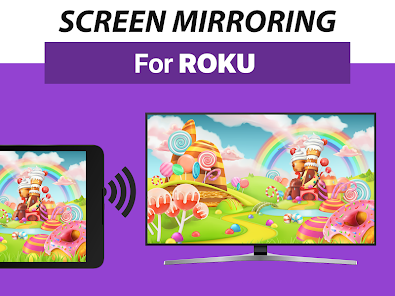
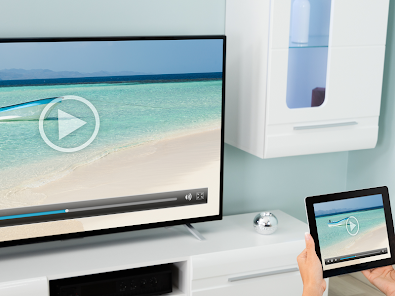
Mirror your screen to Roku. Share your screen on any Roku Stick, Roku Box and Roku TV, such as TCL TV and Hisense TV. No wires, easy setup, live in HD quality.
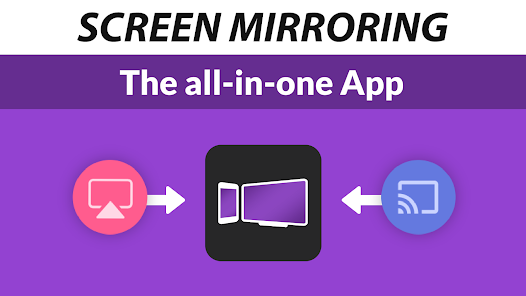
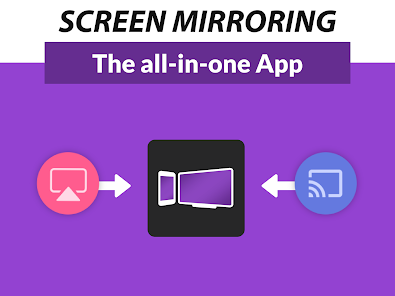
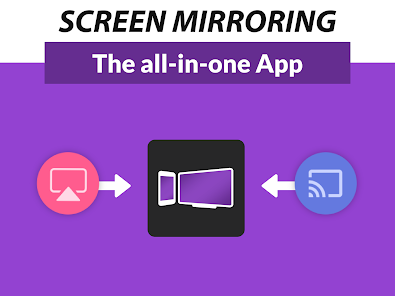
The Screen Mirroring App is the #1 Screen Mirror - fast, easy and user friendly. Share your photos, videos, games, websites, apps, presentations and documents with your friends, family and co-workers. It has big advantages compared to the Roku built-in Screen Mirroring based in Miracast.
* Best device support: The app supports all Android devices with Android 5.0+and all Roku devices, including Sticks, Boxes, TVs and Roku Express 3700 / 3710.
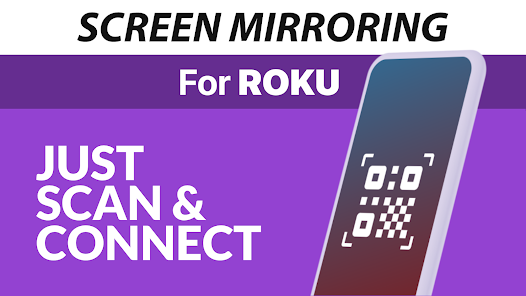
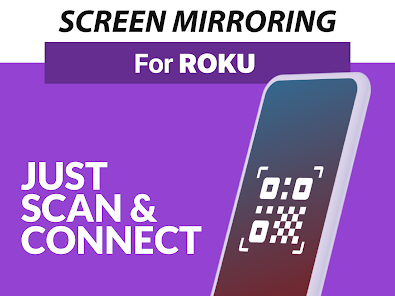
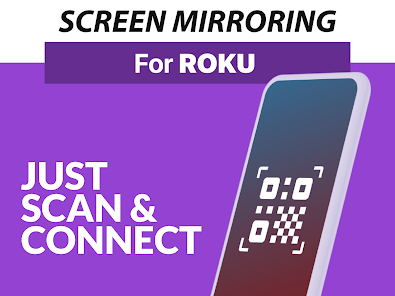
* Super easy and unified setup on all Android devices. No need to change Android settings or Wi-Fi options.
* Your Android device and your Roku must be connected to the same wifi. Please do not use VPN, Proxy, VLANS and Subnets.
* Performance is best when you have good Wi-Fi network conditions. 5Ghz Wi-Fi is recommended.
* For support or feedback, please contact us via e-mail to info@screenmirroring.app
This app is brought to you by the developers of VIDEO & TV CAST, the #1 video casting app in the world with more than 100.000.000 downloads across all platforms and devices.
Disclaimer: This app is not affiliated with any of the trademarks mentioned here. ROKU, the ROKU Logo, STREAMING STICK, ROKU TV, ROKU POWERED, the ROKU POWERED Logo, ROKU READY, the ROKU READY Logo, "STOP DREAMING. START STREAMING.", "HAPPY STREAMING", "THERE'S A TON OF ENTERTAINMENT IN THIS LITTLE BOX," and "NOW THIS IS TV" are trademarks and/or registered trademarks of Roku, Inc. in the United States and other countries.
The Screen Mirroring App is the #1 Screen Mirror - fast, easy and user friendly. Share your photos, videos, games, websites, apps, presentations and documents with your friends, family and co-workers. It has big advantages compared to the Roku built-in Screen Mirroring based in Miracast.
* Best device support: The app supports all Android devices with Android 5.0+and all Roku devices, including Sticks, Boxes, TVs and Roku Express 3700 / 3710.
* Super easy and unified setup on all Android devices. No need to change Android settings or Wi-Fi options.
* Your Android device and your Roku must be connected to the same wifi. Please do not use VPN, Proxy, VLANS and Subnets.
* Performance is best when you have good Wi-Fi network conditions. 5Ghz Wi-Fi is recommended.
* For support or feedback, please contact us via e-mail to info@screenmirroring.app
This app is brought to you by the developers of VIDEO & TV CAST, the #1 video casting app in the world with more than 100.000.000 downloads across all platforms and devices.
Disclaimer: This app is not affiliated with any of the trademarks mentioned here. ROKU, the ROKU Logo, STREAMING STICK, ROKU TV, ROKU POWERED, the ROKU POWERED Logo, ROKU READY, the ROKU READY Logo, "STOP DREAMING. START STREAMING.", "HAPPY STREAMING", "THERE'S A TON OF ENTERTAINMENT IN THIS LITTLE BOX," and "NOW THIS IS TV" are trademarks and/or registered trademarks of Roku, Inc. in the United States and other countries.
Updated on
Safety starts with understanding how developers collect and share your data. Data privacy and security practices may vary based on your use, region, and age. The developer provided this information and may update it over time.


Ratings and reviews
3.0
2.58K reviews

Jay Shuler
- Flag inappropriate
July 17, 2024
do NOT buy. absolutely a rip off. with perfect wifi connection image was pixelated and delayed beyond syncing. the audio would not play thru my TV/sound system. it froze twice in one 10 minute video. I have no idea how this horrible operating system is affiliated with Roku. better off playing a video on my phone and listening thru a blue tooth speaker. DO NOT WASTE YOUR TIME OR MONEY!!
6 people found this review helpful
2kit consulting
July 17, 2024
Thank you for taking time to review our app. We apologize for the inconvenience. Could you email your issue to info@screenmirroring.app, so that our support team can help you? Thank you very much in advance. We'd love to hear from you.

Cosmijohn (Cosmijohn)
- Flag inappropriate
October 7, 2023
Poor framerate even when the settings are optimized, and no sound. I'm now aware that the description states the app does not support sound, but I think it's a fair assumption to guess that a screen mirroring app that costs $5 supports SOUND in 2023! This app does the literal bare minimum. There are so many other screen mirroring apps that don't have these issues, and are free. Stay away from this one!!
162 people found this review helpful
2kit consulting
October 9, 2023
Thank you for taking time to review our app. Please email us to info@screenmirroring.app and send us your GPA in the format GPA.xxxx-xxxx-xxxx-xxxxx from the receipt to request a refund. You can find the GPA ID by visiting https://payments.google.com. Please also add this review from the Play Store (including the date) so we can assign your request

Michael Snow
- Flag inappropriate
- Show review history
July 25, 2022
Couldn't get it to work...way to many tv's that came up at RV park...when it finally connected there was no audio playing on tv...only from my phone and the lag was awful. Responce 2 Response...for a paid mirroring app at $4.99 I expect two things. 1st is my device image (which tv couldn't keep up with my phone through the app. Lag, Lag, Lag). 2nd is audio...yes I could use a Bluetooth speaker but again...I paid for an app that's supposed to do that for me. Thank you for your response.
66 people found this review helpful
2kit consulting
April 16, 2024
Thank you again for taking the time to review our app.
We just wanted to let you know that we have added sound and improved the app in the latest version. Please give it a try and let us know what you think by leaving an updated rating. If you encounter any issues, please contact us via info@screenmirroring.app. Thank you very much!
What's new
- Bugfixes
Don't forget to rate the app on Google Play! Thank you.
Don't forget to rate the app on Google Play! Thank you.


