Screen Mirroring for Roku
Contains adsIn-app purchases
4.1star
27.8K reviews
1M+
Downloads

Everyone
info

About this app
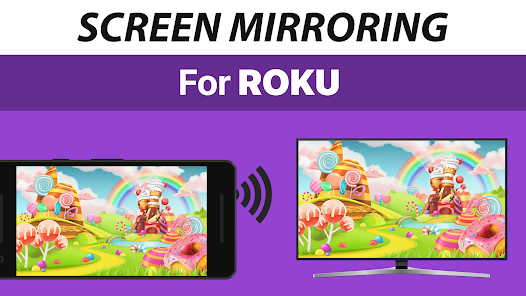
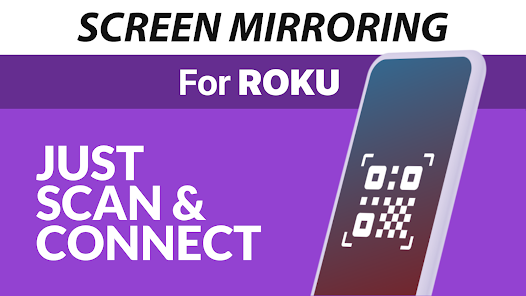
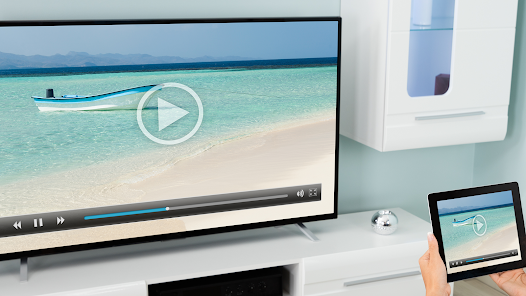
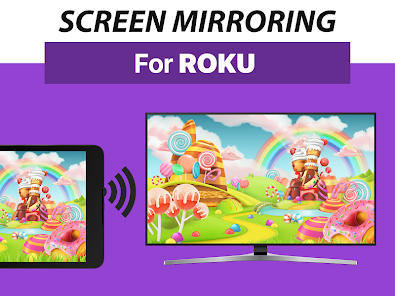
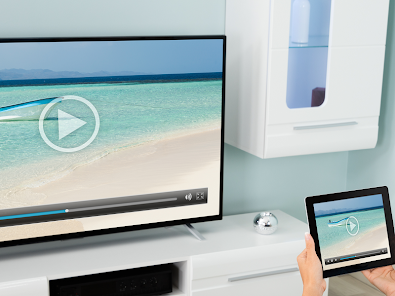
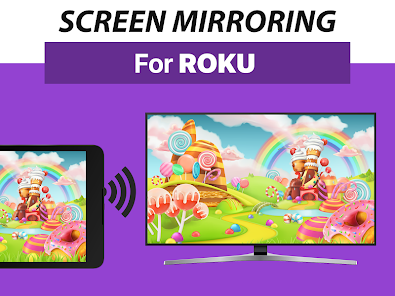
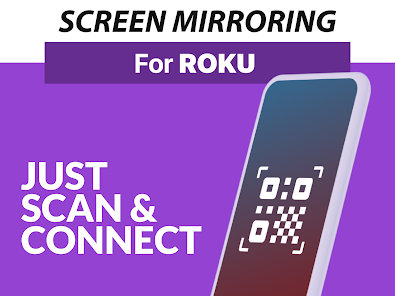
Mirror your screen to Roku. Share your screen on any Roku Stick, Roku Box and Roku TV, such as TCL TV and Hisense TV. No wires, easy setup, live in HD quality.
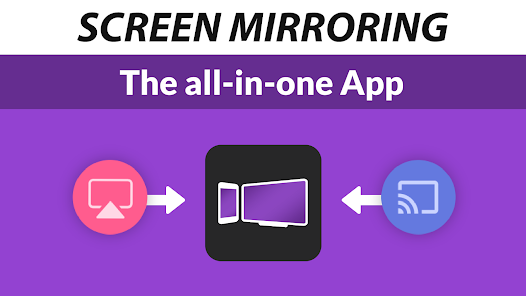
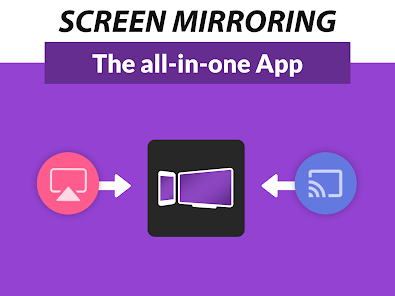
The Screen Mirroring App is the #1 Screen Mirror - fast, easy and user friendly. Share your photos, videos, games, websites, apps, presentations and documents with your friends, family and co-workers. It has big advantages compared to the Roku built-in Screen Mirroring based in Miracast.
* Best device support: The app supports all Android devices with Android 5.0+ and all Roku devices, including Sticks, Boxes, TVs and Roku Express 3700 / 3710.
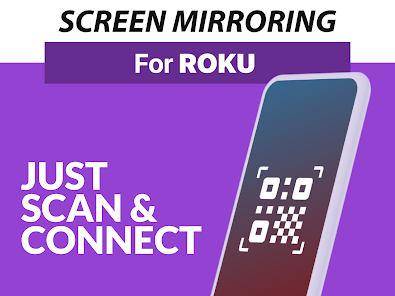
* Super easy and unified setup on all Android devices. No need to change Android settings or Wi-Fi options.
* Your Android device and your Roku must be connected to the same wifi. Please do not use VPN, Proxy, VLANS and Subnets.
* Performance is best when you have good Wi-Fi network conditions. 5Ghz Wi-Fi is recommended.
* For support or feedback, please contact us via e-mail to info@screenmirroring.app
This app is brought to you by the developers of VIDEO & TV CAST, the #1 video casting app in the world with more than 100.000.000 downloads across all platforms and devices.
Disclaimer: This app is not affiliated with any of the trademarks mentioned here. ROKU, the ROKU Logo, STREAMING STICK, ROKU TV, ROKU POWERED, the ROKU POWERED Logo, ROKU READY, the ROKU READY Logo, "STOP DREAMING. START STREAMING.", "HAPPY STREAMING", "THERE'S A TON OF ENTERTAINMENT IN THIS LITTLE BOX," and "NOW THIS IS TV" are trademarks and/or registered trademarks of Roku, Inc. in the United States and other countries.
The Screen Mirroring App is the #1 Screen Mirror - fast, easy and user friendly. Share your photos, videos, games, websites, apps, presentations and documents with your friends, family and co-workers. It has big advantages compared to the Roku built-in Screen Mirroring based in Miracast.
* Best device support: The app supports all Android devices with Android 5.0+ and all Roku devices, including Sticks, Boxes, TVs and Roku Express 3700 / 3710.
* Super easy and unified setup on all Android devices. No need to change Android settings or Wi-Fi options.
* Your Android device and your Roku must be connected to the same wifi. Please do not use VPN, Proxy, VLANS and Subnets.
* Performance is best when you have good Wi-Fi network conditions. 5Ghz Wi-Fi is recommended.
* For support or feedback, please contact us via e-mail to info@screenmirroring.app
This app is brought to you by the developers of VIDEO & TV CAST, the #1 video casting app in the world with more than 100.000.000 downloads across all platforms and devices.
Disclaimer: This app is not affiliated with any of the trademarks mentioned here. ROKU, the ROKU Logo, STREAMING STICK, ROKU TV, ROKU POWERED, the ROKU POWERED Logo, ROKU READY, the ROKU READY Logo, "STOP DREAMING. START STREAMING.", "HAPPY STREAMING", "THERE'S A TON OF ENTERTAINMENT IN THIS LITTLE BOX," and "NOW THIS IS TV" are trademarks and/or registered trademarks of Roku, Inc. in the United States and other countries.
Updated on
Safety starts with understanding how developers collect and share your data. Data privacy and security practices may vary based on your use, region, and age. The developer provided this information and may update it over time.


Ratings and reviews
4.1
25K reviews

Grimm R
- Flag inappropriate
- Show review history
January 9, 2026
already pay for roku services and other tvs cast free without ads Edit: as a developer myself I get the time, but that being said why wouldn't you ask the one time fee upfront? and why is the 1 time fee for a roku based chrome cast service charged at the same rate as a video game? I am not being mean or irrational, but I go through pages of code and script daily as well as building 3D models and making them work. I understand the headache but this is not the type of app to charge high.
5 people found this review helpful
2kit consulting
January 9, 2026
Thank you for taking time to review our app. We are not Roku and are not affiliated with Roku. As an independent company we need some sort of income to maintain working on our apps. That's why there are in-app purchases (one-time purchase, NO SUBSCRIPTION) in our apps. You can use basic casting features without paying.

Mathew Missler
- Flag inappropriate
January 8, 2026
The app experience was hard to tell if it was worth it... They pay wall everything so that if you use the free version, it's basically a choppy mess..I took a chance and paid the five bucks for the upgrade.. It didn't help at all. All it did was allow me to cast the sound as well, but it was so far behind the picture it was useless. I changed the refresh rate, changed everything to recommended settings, and changed the TV settings.. Nothing helped. I just wasted time and good money.
4 people found this review helpful
2kit consulting
January 9, 2026
Thank you for taking time to review our app. Send us your GPA in the next 48 hours in the format GPA.xxxx-xxxx-xxxx-xxxxx from the receipt to info@screenmirroring.app to request a refund. You can find the GPA ID by visiting https://payments.google.com. Please add this review from the Play Store (including the date) so we can assign your request.

EdMoyVacation
- Flag inappropriate
- Show review history
November 9, 2024
It works, it took 3 hours to find the fix that no one talks about. Make sure you turn off all VPNs your phone may be on or it won't work. The quality is pay-locked and you'll only get a "mid-tier" quality screen share, there are good and superior quality above that, it shared very low end color and washed out photos on the screen. Video plays at 5-9 frames per second, and I couldn't get audio to play through the TV. I was very disappointed in the app
16 people found this review helpful
2kit consulting
November 11, 2024
Thank you for taking time to update your review and the detailed feedback. Please check out our troubleshooting steps in the FAQ inside the app to improve mirroring. We will also try to improve the app with the next update.
To take advantage of our support, please contact us via info@screenmirroring.app. We're always happy to help.
What’s new
- Bugfixes
Don't forget to rate the app on Google Play! Thank you.
Don't forget to rate the app on Google Play! Thank you.
App support
About the developer
Kraus und Karnath GbR 2kit consulting
support@2kit.de
Graf-Adolf-Str. 41
40210 Düsseldorf
Germany
+49 211 43633477


