MEGA
Contains adsIn-app purchases

4.6star
1.57M reviews
100M+
Downloads

Everyone
info


About this app
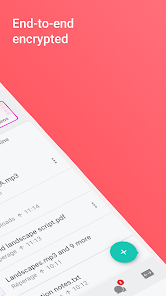
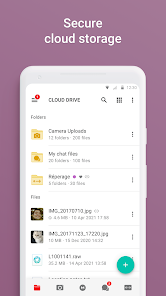
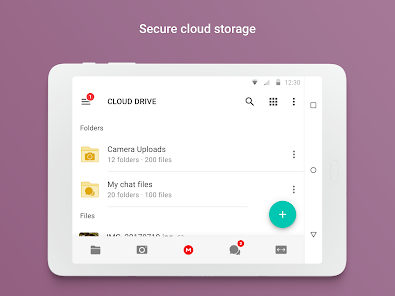
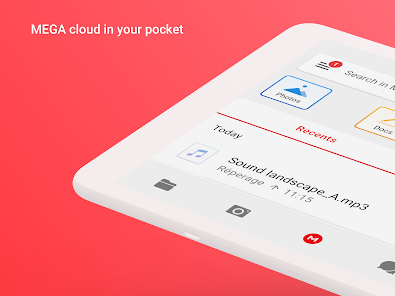
MEGA provides user-controlled encrypted cloud storage that’s accessed with web browsers and dedicated apps for mobile devices. Unlike other cloud storage providers, your data is encrypted and decrypted by your client devices only and never by us.
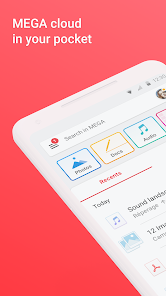
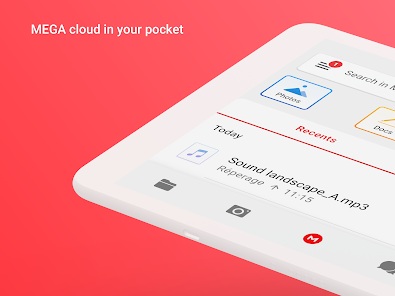
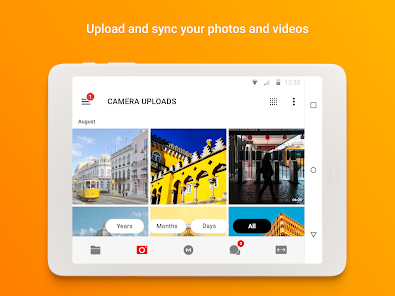
Upload files from your smartphone or tablet, then search, download, stream, view, share, rename or delete them from any device, anywhere. Share folders with your contacts and see their updates in real time.
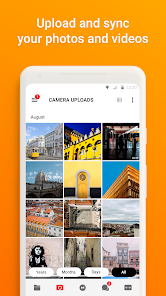
You can automatically sync your local data with your Cloud drive, ensuring your important files are always safe and accessible across all your devices. With our sync functionality, you can back up any local folder on your device to MEGA effortlessly. Additionally, our backup feature allows you to set up a one-way sync by selecting specific folders to back up seamlessly.
MEGA’s strong and secure end-to-end encryption means we cannot access or reset your password. You MUST remember the password and make sure to back up your account recovery key. Losing your password and the account recovery key will result in lost access to your files.
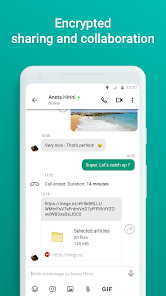
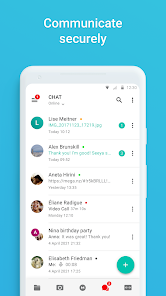
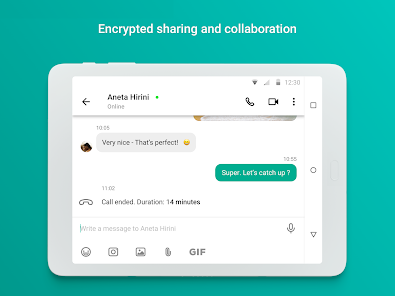
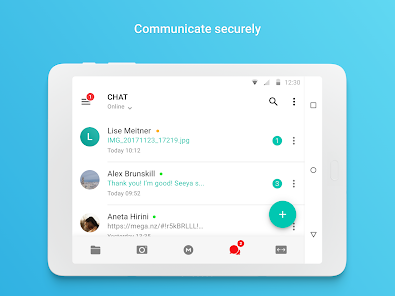
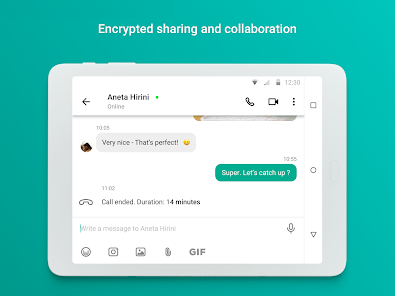
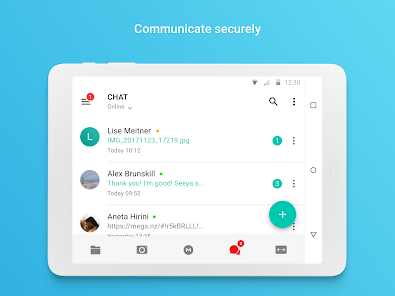
Enjoy the security and privacy of encrypted one-on-one and group chats and meetings. Our zero-knowledge encryption means that your messages, audio and video calls are safe, secure, and private. Collaborate seamlessly with your team members or friends and family with direct integration with our Cloud drive for sending and receiving encrypted files.
MEGA offers generous free storage for all registered users. You can get even more free storage in 5 GB increments through our MEGA Achievements Programme.
Subscriptions renew automatically for successive periods of the same duration at the same price as the initial period chosen. To manage your subscriptions, simply tap on the Play Store icon on your device, sign in with your Google ID (if you haven’t already done so), then tap on the MEGA app.
All MEGA client-side application code is published on GitHub, for transparency. The code of our Android mobile app is located at: https://github.com/meganz/android
App permissions (optional):
Contacts: MEGA accesses your contacts so you can add them from your device.
Microphone: MEGA accesses your microphone when you capture a video, make a call or record voice messages in the app.
Camera: MEGA accesses your camera when you capture a video or photo, or make a call in the app.
Nearby devices: MEGA accesses nearby devices so you can use Bluetooth devices to join calls in the app.
Notifications: MEGA sends notifications about chat messages, calls, transfer progress, contact requests, or incoming shares from other users.
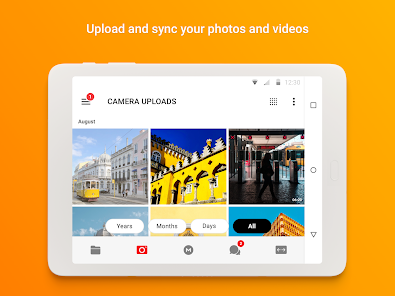
Media (photos, videos, music and audio): MEGA accesses your media files when you upload, share through chat and when camera uploads is enabled.
Location: MEGA accesses your location when you share it with your contacts in chat.
MEGA’s Terms of Service: https://mega.io/terms
Privacy and Data Policy: https://mega.io/privacy
Upload files from your smartphone or tablet, then search, download, stream, view, share, rename or delete them from any device, anywhere. Share folders with your contacts and see their updates in real time.
You can automatically sync your local data with your Cloud drive, ensuring your important files are always safe and accessible across all your devices. With our sync functionality, you can back up any local folder on your device to MEGA effortlessly. Additionally, our backup feature allows you to set up a one-way sync by selecting specific folders to back up seamlessly.
MEGA’s strong and secure end-to-end encryption means we cannot access or reset your password. You MUST remember the password and make sure to back up your account recovery key. Losing your password and the account recovery key will result in lost access to your files.
Enjoy the security and privacy of encrypted one-on-one and group chats and meetings. Our zero-knowledge encryption means that your messages, audio and video calls are safe, secure, and private. Collaborate seamlessly with your team members or friends and family with direct integration with our Cloud drive for sending and receiving encrypted files.
MEGA offers generous free storage for all registered users. You can get even more free storage in 5 GB increments through our MEGA Achievements Programme.
Subscriptions renew automatically for successive periods of the same duration at the same price as the initial period chosen. To manage your subscriptions, simply tap on the Play Store icon on your device, sign in with your Google ID (if you haven’t already done so), then tap on the MEGA app.
All MEGA client-side application code is published on GitHub, for transparency. The code of our Android mobile app is located at: https://github.com/meganz/android
App permissions (optional):
Contacts: MEGA accesses your contacts so you can add them from your device.
Microphone: MEGA accesses your microphone when you capture a video, make a call or record voice messages in the app.
Camera: MEGA accesses your camera when you capture a video or photo, or make a call in the app.
Nearby devices: MEGA accesses nearby devices so you can use Bluetooth devices to join calls in the app.
Notifications: MEGA sends notifications about chat messages, calls, transfer progress, contact requests, or incoming shares from other users.
Media (photos, videos, music and audio): MEGA accesses your media files when you upload, share through chat and when camera uploads is enabled.
Location: MEGA accesses your location when you share it with your contacts in chat.
MEGA’s Terms of Service: https://mega.io/terms
Privacy and Data Policy: https://mega.io/privacy
Updated on
Safety starts with understanding how developers collect and share your data. Data privacy and security practices may vary based on your use, region, and age. The developer provided this information and may update it over time.


Ratings and reviews
4.6
1.49M reviews

Andrea Tulley
- Flag inappropriate
- Show review history
December 26, 2025
I had been a pro member for several years, and had to unexpectedly cancel my recurring annual subscription. I attempted to cancel within 3 hours of the $57 charge, but they refused to refund or even change my membership to the month-to-month option to retain a customer. I requested escalation but was disregarded. They do not care about customer loyalty or retention. Highly disappointed. *UPDATE* they requested my ticket information, which I sent, and I never got a follow up from them.
46 people found this review helpful
Mega Ltd
January 7, 2026
Thanks for your feedback. We’ve now processed your refund, and it should be reflected by your bank within a few business days. We’re sorry for the inconvenience you experienced, and we appreciate you giving us the opportunity to resolve this. If you feel the issue has now been handled, you’re welcome to update your review at any time. Thank you,

Craig Gardiner
- Flag inappropriate
October 18, 2025
The only reason I am giving this 3 stars is because WHEN it works it works well. HOW EVER, there are many times where this app will either; completely lock up, start to download a file get stuck and NEVER finish, take forever to load a stored video or image, or even flat out just not load my Cloud Drive folder. This will even happen on a stable internet connection. Additionally every couple updates some or most of the app features stop working right or they break something.
18 people found this review helpful

xwtfbobx
- Flag inappropriate
- Show review history
April 20, 2024
Overall it's functional, but the lack of any ability for sorting remote folders is a deal breaker. It's available in the desktop browser, and even in the mobile browser. But if I'm trying to manage a folder and want to sort by size, date, etc I find it pitiful that I have to open it first through the browser, then sort by whatever it is I want, find the filename and then open the app to manage the file. Why is there no way to do something as simple as filtering and sorting of files.
79 people found this review helpful
Mega Ltd
June 11, 2024
Hello. You can sort the contents of your folder by tapping under the folder title and select how you want to sort (By name, date, size, etc.) If this is not what you are looking for, please email support@mega.nz and provide detailed examples of what functionality you are looking for so that we can further improve our product. Thanks!
What’s new
- The app has been fully restructured with a new look and layout.
- A new Home screen and improved navigation are now available.
- File browsing and search are faster.
- Chats and Shares are now grouped under Menu.
- Photos has been renamed to Media.
- Bug fixes and performance improvements.
- A new Home screen and improved navigation are now available.
- File browsing and search are faster.
- Chats and Shares are now grouped under Menu.
- Photos has been renamed to Media.
- Bug fixes and performance improvements.
App support
About the developer
Mega Limited
appsupport@mega.io
L 21 Huawei Centre 120 Albert St
Auckland Central
Auckland 1010
New Zealand
+64 9 281 2110


