Screen Mirroring + Chromecast
4.6star
1.22K reviews

Everyone
info
50K+
Downloads

Everyone
Learn more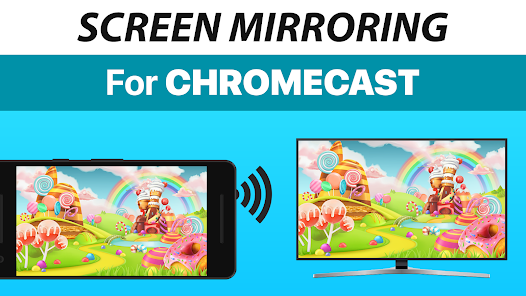
About this app
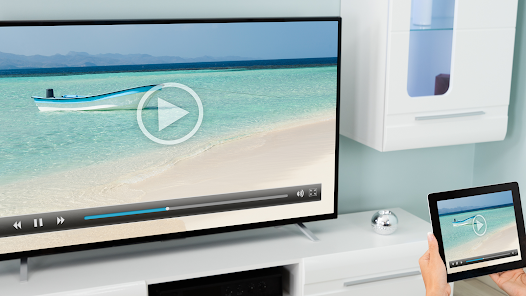
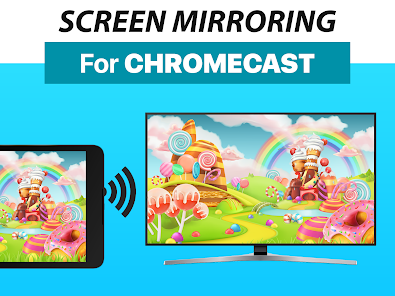
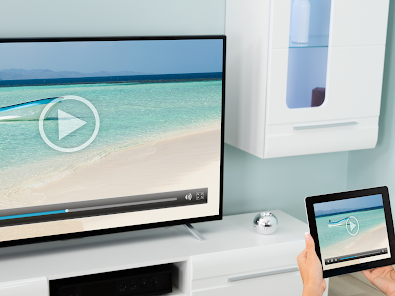
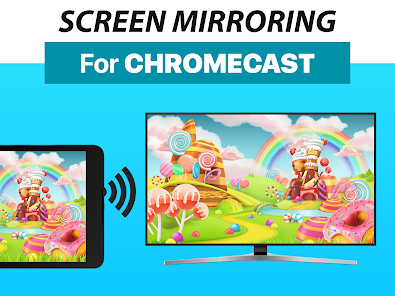
Mirror your screen in real-time with HD quality to Chromecast and Android TV. Share your screen on any Chromecast and Smart TVs with Chromecast built-in (Google Cast), such as Xiaomi Mi TV, Sony Bravia TV, TCL TV, Vizio TV, Hisense TV, Philips TV, Sharp TV or NVidia Shield Gaming Console..
Screen Mirroring is the most powerful screen sharing tool. Share your photos, videos, games, websites, apps, presentations and documents with your friends and family.
* Best device support: The app supports all Android devices with Android 5.0+ and all Chromecast and Android TVs.
* Super easy and unified setup on all Android devices. No need to change Android settings or Wi-Fi options.
* Performance is best when you have good Wi-Fi network conditions. 5Ghz Wi-Fi is recommended.
* Sound is supported on Android 10+
* For support or feedback, please contact us via e-mail to info@screenmirroring.app
This app is brought to you by the developers of VIDEO & TV CAST, the #1 video casting app in the world with more than 100.000.000 downloads across all platforms and devices.
Disclaimer: This app is not affiliated with any of the trademarks mentioned here. This app was not created or endorsed by Google.
Screen Mirroring is the most powerful screen sharing tool. Share your photos, videos, games, websites, apps, presentations and documents with your friends and family.
* Best device support: The app supports all Android devices with Android 5.0+ and all Chromecast and Android TVs.
* Super easy and unified setup on all Android devices. No need to change Android settings or Wi-Fi options.
* Performance is best when you have good Wi-Fi network conditions. 5Ghz Wi-Fi is recommended.
* Sound is supported on Android 10+
* For support or feedback, please contact us via e-mail to info@screenmirroring.app
This app is brought to you by the developers of VIDEO & TV CAST, the #1 video casting app in the world with more than 100.000.000 downloads across all platforms and devices.
Disclaimer: This app is not affiliated with any of the trademarks mentioned here. This app was not created or endorsed by Google.
Updated on
Safety starts with understanding how developers collect and share your data. Data privacy and security practices may vary based on your use, region, and age. The developer provided this information and may update it over time.


Ratings and reviews
4.6
1.15K reviews

hermann juurik
- Flag inappropriate
March 7, 2026
paid for this, start, don't work, please update to our other pro version...why I need to even pay for this if I need new app for what I need to pay too 😡 and now Google won't even give me refund back...
1 person found this review helpful
2kit consulting
March 12, 2026
Thank you for taking time to review our app. Send us your GPA in the next 48 hours in the format GPA.xxxx-xxxx-xxxx-xxxxx from the receipt to info@screenmirroring.app to request a refund. You can find the GPA ID by visiting https://payments.google.com. Please add this review from the Play Store (including the date) so we can assign your request.

Mash Fdo
- Flag inappropriate
- Show review history
January 5, 2026
not working for my tv and they wont provide refund - update , good team , they provided with the refund and i found out the hotel was an old tv or had different authentication levels for users .
1 person found this review helpful
2kit consulting
January 5, 2026
Thank you for taking time to review our app. Send us your GPA in the next 48 hours in the format GPA.xxxx-xxxx-xxxx-xxxxx from the receipt to info@screenmirroring.app to request a refund. You can find the GPA ID by visiting https://payments.google.com. Please add this review from the Play Store (including the date) so we can assign your request.

Shann Staggs
- Flag inappropriate
September 25, 2024
The connection process was extremely tricky and took trying variations of connections to get it to do anything on the TV. After paying for the app PLUS the screen mirroring add on and dealing with connection issues for an hour, it was connected and the videos were so laggy they were unwatchable (like up to 5 second lag and then it would freeze).
34 people found this review helpful
2kit consulting
September 27, 2024
Thank you for taking time to review our app.
Please make sure you have a stable internet connection and that the energy-saving mode of your Android device is not activated. Please also read the FAQ inside the app for more information on troubleshooting. You can also reach us via info@screenmirroring.app. We're always happy to help.
What’s new
- Bugfixes
Enjoy Screen Mirroring and please rate us on Google Play!
Enjoy Screen Mirroring and please rate us on Google Play!
Everyone
Learn moreApp support
About the developer
Kraus und Karnath GbR 2kit consulting
support@2kit.de
Graf-Adolf-Str. 41
40210 Düsseldorf
Germany
+49 211 43633477


