
ClassLink Verify
3.8star
9 reviews
1K+
Downloads

Everyone
info
About this app
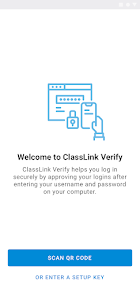
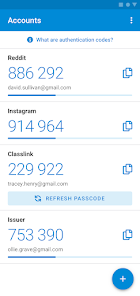
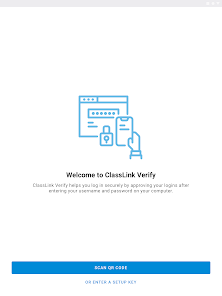
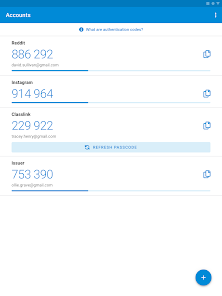
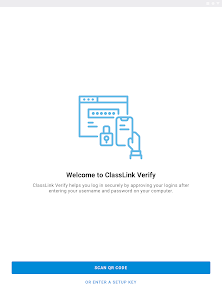
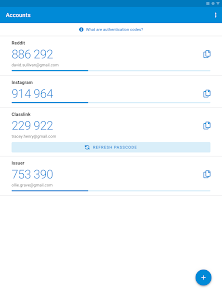
With ClassLink Verify you can generate verification codes to use in addition to your passwords when signing in to your account—adding an extra layer of data security.
ClassLink Verify works with any application requiring 2-Step Verification to sign in to your account.
Features include:
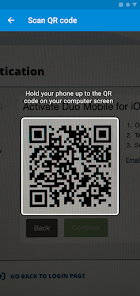
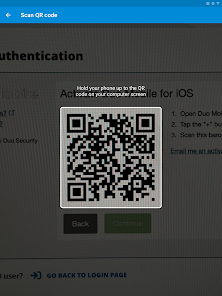
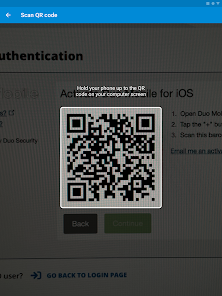
- Automatic setup via QR code
- Support for multiple accounts
- Support for TOTP and HOTP algorithms
To use Verify with ClassLink LaunchPad, you will need to enable 2-Step Verification on your ClassLink Account. Visit https://help.classlink.com/s/article/Two-Factor-Authentication to get started.
ClassLink Verify works with any application requiring 2-Step Verification to sign in to your account.
Features include:
- Automatic setup via QR code
- Support for multiple accounts
- Support for TOTP and HOTP algorithms
To use Verify with ClassLink LaunchPad, you will need to enable 2-Step Verification on your ClassLink Account. Visit https://help.classlink.com/s/article/Two-Factor-Authentication to get started.
Updated on
Safety starts with understanding how developers collect and share your data. Data privacy and security practices may vary based on your use, region, and age. The developer provided this information and may update it over time.

This app may share these data types with third parties
App info and performance

No data collected
Learn more about how developers declare collection

Data is encrypted in transit

Data can’t be deleted
Ratings and reviews
3.8
6 reviews

Aaron Maricic
- Flag inappropriate
August 25, 2023
It works, but please add the ability to rename and/or delete accounts. One would think this should be a basic feature of the app.

M•A•C
- Flag inappropriate
December 17, 2023
Great
What’s new
Bug fixes
App support
About the developer
Classlink Inc.
helpdesk@classlink.com
45 E Madison Ave Ste 7
Clifton, NJ 07011
United States
+1 862-225-1523


