Pixelc: Pixel Art Editor
4.0star
295 reviews
50K+
Downloads

Everyone
info
About this app
Pixelc is a free and open source Pixel Art Editor.
Create cool art with pixels!
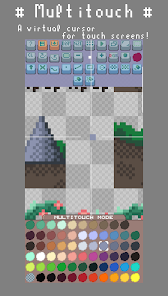
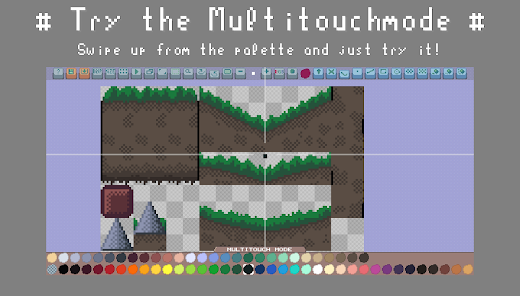
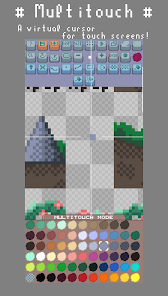
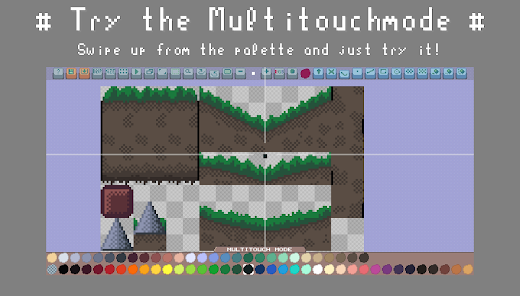
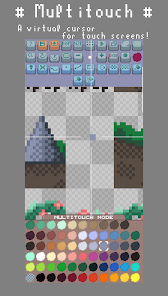
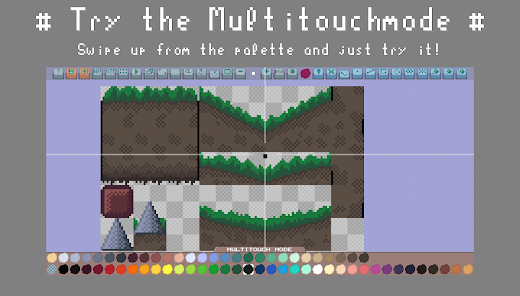
Use the Multitouch Mode for a great touch experience!
Swipe up from the palette to start it
Create sprite sheets for your own Pixel Art Games as .PNG files!
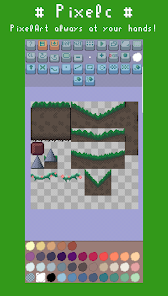
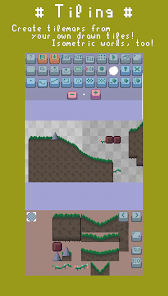
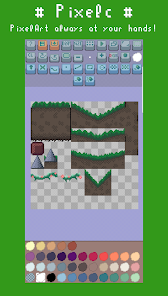
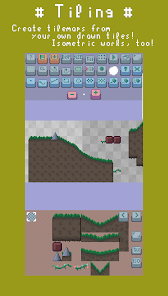
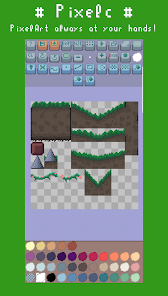
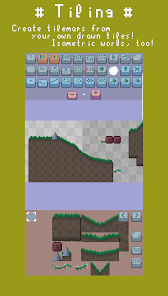
Use the Tiling mode to do some creative tilemaps with your tilesheets!
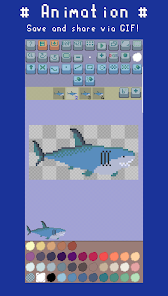
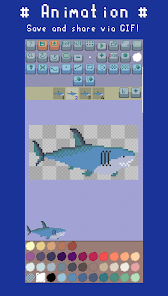
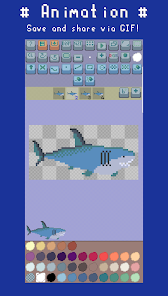
Animate your pixelart into .GIF files!
Save in HD to share with your friends!
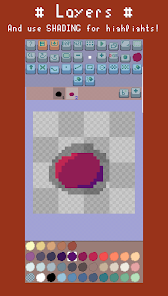
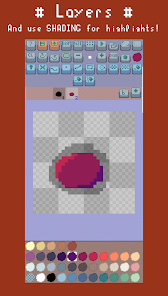
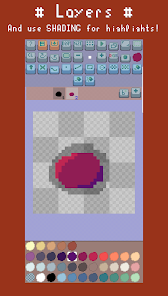
Use advanced Features like Frames, Layers and Onion-Skining!
Lots of different drawing tools and tricks!
For a tutorial, see the github page:
https://github.com/renehorstmann/Pixelc
Highlights:
• Multitouch Mode for a great touch experience
• Frames and a .gif export
• Layers
• Onion Skinning for frames and layers
• Tiling mode
• Multiple drawing modes
• Shading
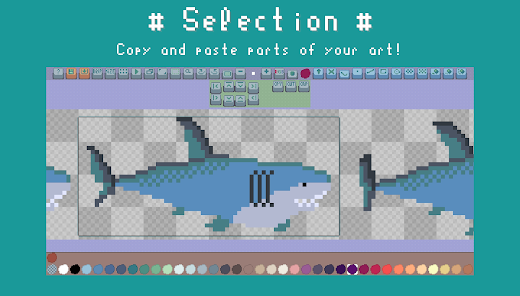
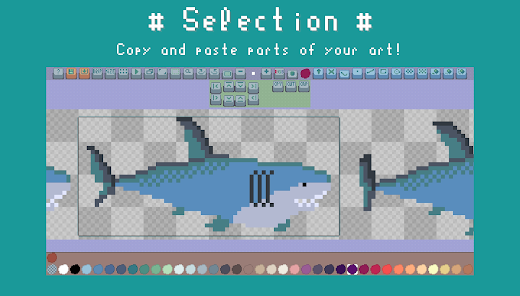
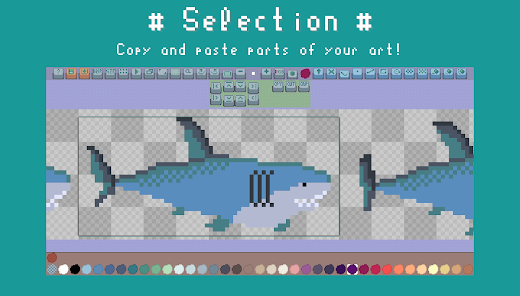
• Selections
• Undo and Redo system that also works on App reload
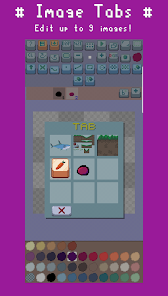
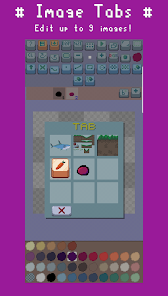
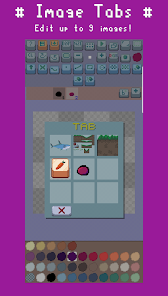
• 9 Image Tabs
• Contains the most popular LOSCPEC palettes
• Custom Brush / Kernel / Stamps
• Custom Palettes
• COMPLETELY FREE and open
• and many more
You want to support me?
Consider buying Pixelc Premium on Google Play:
https://play.google.com/store/apps/details?id=de.horsimann.pixelcpremium
Its the exact same app, but with a dark background and gray scaled buttons.
Create cool art with pixels!
Use the Multitouch Mode for a great touch experience!
Swipe up from the palette to start it
Create sprite sheets for your own Pixel Art Games as .PNG files!
Use the Tiling mode to do some creative tilemaps with your tilesheets!
Animate your pixelart into .GIF files!
Save in HD to share with your friends!
Use advanced Features like Frames, Layers and Onion-Skining!
Lots of different drawing tools and tricks!
For a tutorial, see the github page:
https://github.com/renehorstmann/Pixelc
Highlights:
• Multitouch Mode for a great touch experience
• Frames and a .gif export
• Layers
• Onion Skinning for frames and layers
• Tiling mode
• Multiple drawing modes
• Shading
• Selections
• Undo and Redo system that also works on App reload
• 9 Image Tabs
• Contains the most popular LOSCPEC palettes
• Custom Brush / Kernel / Stamps
• Custom Palettes
• COMPLETELY FREE and open
• and many more
You want to support me?
Consider buying Pixelc Premium on Google Play:
https://play.google.com/store/apps/details?id=de.horsimann.pixelcpremium
Its the exact same app, but with a dark background and gray scaled buttons.
Updated on
Safety starts with understanding how developers collect and share your data. Data privacy and security practices may vary based on your use, region, and age. The developer provided this information and may update it over time.

No data shared with third parties
Learn more about how developers declare sharing

No data collected
Learn more about how developers declare collection
Ratings and reviews
4.1
258 reviews

Anthony Horrace
- Flag inappropriate
- Show review history
May 8, 2024
I'm not going to lie, this is the best pixel app that I have ever used (for free AND on Android). I needed an app that allowed me to import and export images. The fact that it even has a "does nothing on canvas" button is nice. It allows me to move around WITHOUT getting doodles on my portrait! The zoom in features and other "tabs" are so nice, too. This is exactly what I needed to work on some Sky Temple Pokemon Portraits when I don't have access to a computer.
5 people found this review helpful
Horsimann
May 8, 2024
Thanks :D
Would love to see some of your paintings :)

Greg Rasmussen
- Flag inappropriate
- Show review history
February 15, 2024
Theres a few very finnicky things with the file system and saving/loading, such as it not being able to save as previously created file, the file saved as a pnf being inaccessible as png unless you make sure to type .png in its filename and its upload retains the old upload even if the uploaded file changes. but the rest of the app was exactly what Im looking for in a mobile pixel art making app and the dev is quite responsive to feedback
3 people found this review helpful
Horsimann
February 15, 2024
Thanks for the feedback :)
What exactly do you mean with the finnicky file loading things?
Pixelc is using the system filepicker...

Bloxen
- Flag inappropriate
- Show review history
November 23, 2025
The only issue I have with this app is the inability to create more than 9 tabs, if there was the option to create as many tabs as you want, I would change my rating to 5 stars because it is otherwise perfect and has all the features you could ask for in a mobile pixelart app!
What’s new
Minor Bug Fix
App support
About the developer
Christina Horstmann
info@horsimann.de
Dölls Diek 5
46399 Bocholt
Germany


