BackCountry Navigator GPS PRO
Contains adsIn-app purchases

3.5star
6.91K reviews
100K+
Downloads

Everyone
info






About this app
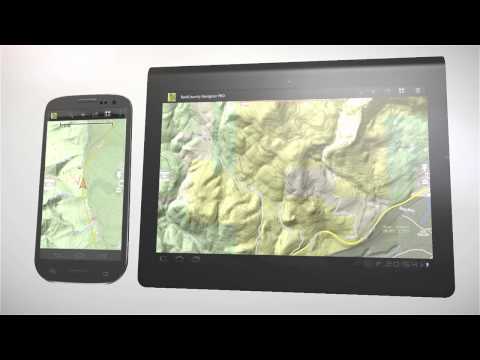
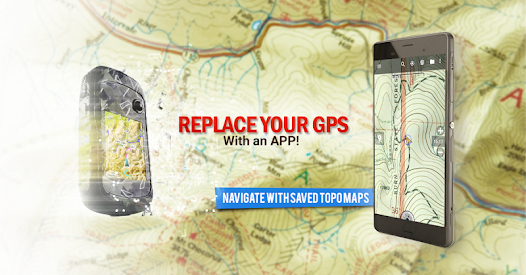
Download topo maps for an offline outdoor navigator! Use your phone or tablet as an offroad topo mapping handheld GPS with the bestselling outdoor navigation app for Android! Explore beyond cell coverage for hiking and other recreation.
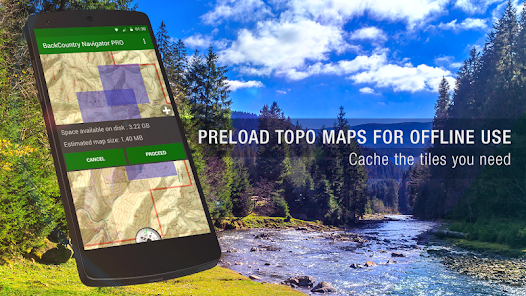
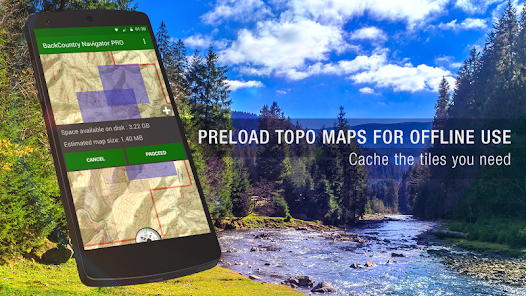
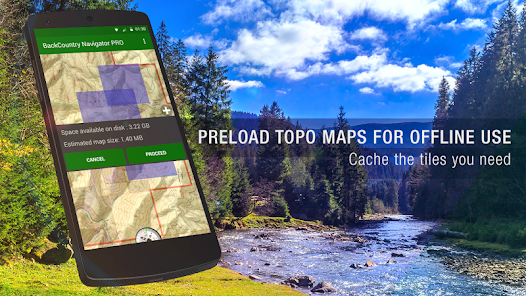
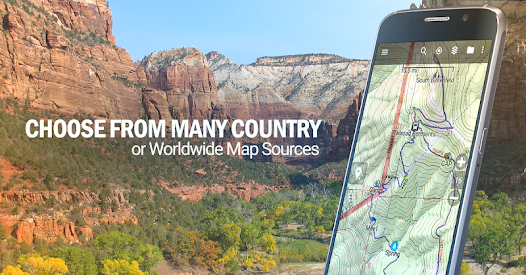
Download topo maps for the US and many other countries in advance, so you won't need cell coverage for navigation. Use storage memory for maps.
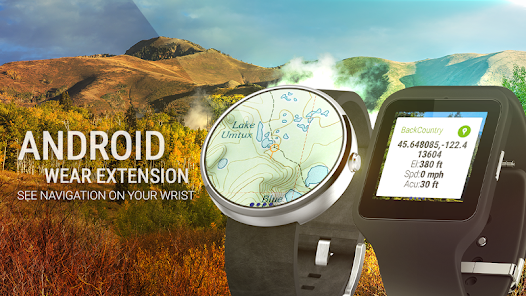
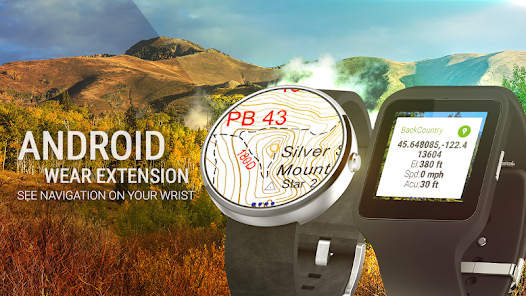
New: Android Wear support to see navigation at a glance on wrist
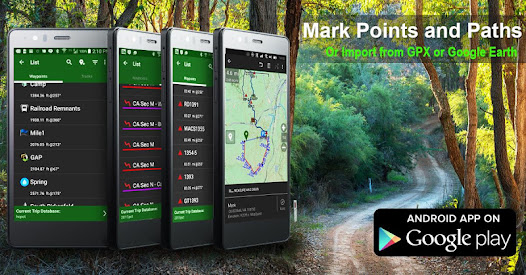
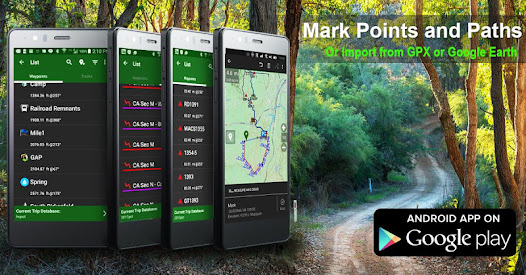
Use GPS waypoints from GPX or KML files, or enter your own coordinates using longitude/latitude, UTM, MGRS, or grid reference. Using GOTO makes a waypoint a locus for navigation.
This uses many publicly available map sources as free downloads. Some additional content available as an in app purchase:
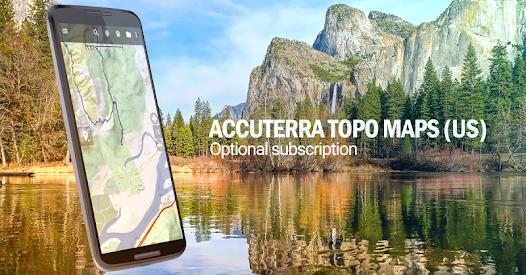
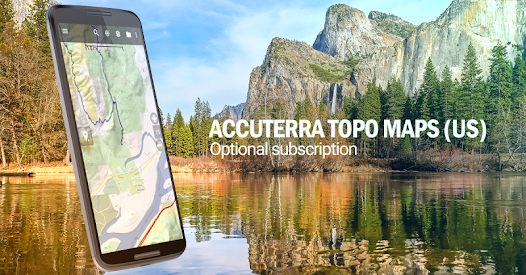
-Accuterra Topo Map Source for $19.99/year. This can be purchased and used with or in instead of the free sources.
-Thunderforest Map Sources - worldwide for $11.99 per year.
- Boundary maps for 12 western states from the Bureau of Land Management(BLM) Overlay for topo maps valued by hunters.
-GMU boundaries in some states
-Lake Contours in several states.
-Content from US TrailMaps including:
-ATV, Whitewater, and Equestrian Trail Maps
See the menu under More-> "Purchasing AddOns". They can be shown on top of topo maps.
You may try the DEMO version to make sure you like the maps in your country.
About topo (topographic) maps: Topo maps show terrain through color and contours, and are useful for navigation offroad. Topo maps and GPS can be used for hiking, hunting, kayaking, snowshoeing, & backpacker trails.
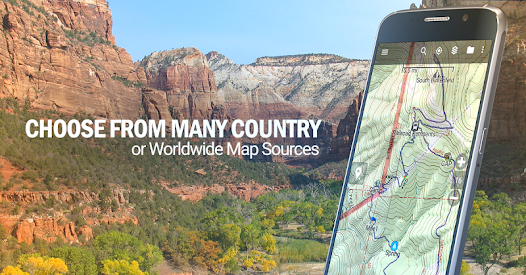
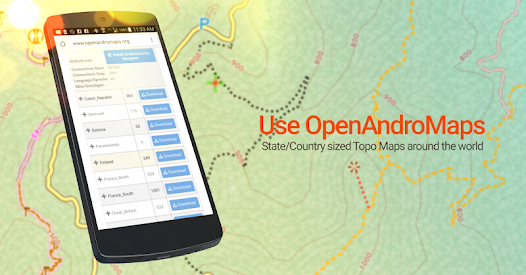
You can create your own maps with Mobile Atlas Creator, or specify a custom tile server. Built in sources include:
OpenStreetMaps from MapQuest
OpenCycleMaps showing terrain worldwide
US Topo Maps from Caltopo and the USGS
USTopo: Aerial Photography with markup.
Canada Topo Maps from Toporama
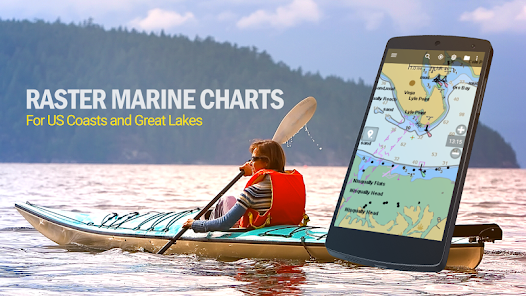
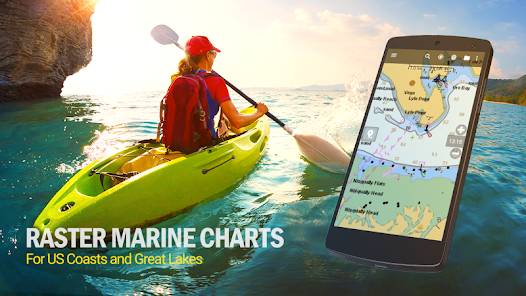
Marine maps: NOAA RNC Nautical Charts (coastal)
USGS Color Aerial photography
Topographic Maps of Spain and Italy
Topo maps of New Zealand
Japan GSI maps.
Many of the above sources are generally free to use.
Use offline topo maps and GPS on hiking trails without cell service. The GPS in your Android phone can get its position from GPS satellites, and you don’t have to rely on your data plan to get maps. Have more fun and safe GPS navigation in the backcountry.
Use as a geocaching navigator by getting a pocket query as GPX.
Besides geocaching, use GPS for recording tracks and GPS waypoints on your trip, all the while tracking your GPS quest on topographic maps. It may replace your Garmin handheld GPS.
Here are some of the outdoor GPS activities BackCountry Navigator has been used for:
As a hiking GPS both on hiking trails and off trail.
Camping trips to find that perfect camping site or the way back to camp with GPS.
Hunting trips for hunting wild game in rugged areas.
Doing recon for a hunt or as your hunting GPS
Fishing: make it your fishing GPS.
Search and Rescue (SAR).
Trekking the Pacific Crest trail or other long term hiking.
Kayak and canoe treks on inland lakes and streams or marine, coastal waters.
Backpacker trips: using topo maps of wilderness areas and national forests for navigation on trails with the GPS in your rucksack or backpack.
Find your own ways to have fun in the outdoors. Be a maverick by venturing beyond cell service boundaries with your GPS. Become a pro at navigation with GPS for the outdoors.
BackCountry Navigator has been on WM devices and preloaded on the Trimble Nomad outdoor rugged device. This Android version is more flexible, featured, and fun. Create a memory with maps.
For a one time fee, this a great addition to the outdoor gear you bought at Cabelas, REI, or another outdoor store. Many have found the Android GPS in a phone or tablet to substitute for a Garmin GPS or Magellan GPS, such as the Garmin GPS units Montana, Etrex, or Oregon. Android can be your handheld GPS.
Download topo maps for the US and many other countries in advance, so you won't need cell coverage for navigation. Use storage memory for maps.
New: Android Wear support to see navigation at a glance on wrist
Use GPS waypoints from GPX or KML files, or enter your own coordinates using longitude/latitude, UTM, MGRS, or grid reference. Using GOTO makes a waypoint a locus for navigation.
This uses many publicly available map sources as free downloads. Some additional content available as an in app purchase:
-Accuterra Topo Map Source for $19.99/year. This can be purchased and used with or in instead of the free sources.
-Thunderforest Map Sources - worldwide for $11.99 per year.
- Boundary maps for 12 western states from the Bureau of Land Management(BLM) Overlay for topo maps valued by hunters.
-GMU boundaries in some states
-Lake Contours in several states.
-Content from US TrailMaps including:
-ATV, Whitewater, and Equestrian Trail Maps
See the menu under More-> "Purchasing AddOns". They can be shown on top of topo maps.
You may try the DEMO version to make sure you like the maps in your country.
About topo (topographic) maps: Topo maps show terrain through color and contours, and are useful for navigation offroad. Topo maps and GPS can be used for hiking, hunting, kayaking, snowshoeing, & backpacker trails.
You can create your own maps with Mobile Atlas Creator, or specify a custom tile server. Built in sources include:
OpenStreetMaps from MapQuest
OpenCycleMaps showing terrain worldwide
US Topo Maps from Caltopo and the USGS
USTopo: Aerial Photography with markup.
Canada Topo Maps from Toporama
Marine maps: NOAA RNC Nautical Charts (coastal)
USGS Color Aerial photography
Topographic Maps of Spain and Italy
Topo maps of New Zealand
Japan GSI maps.
Many of the above sources are generally free to use.
Use offline topo maps and GPS on hiking trails without cell service. The GPS in your Android phone can get its position from GPS satellites, and you don’t have to rely on your data plan to get maps. Have more fun and safe GPS navigation in the backcountry.
Use as a geocaching navigator by getting a pocket query as GPX.
Besides geocaching, use GPS for recording tracks and GPS waypoints on your trip, all the while tracking your GPS quest on topographic maps. It may replace your Garmin handheld GPS.
Here are some of the outdoor GPS activities BackCountry Navigator has been used for:
As a hiking GPS both on hiking trails and off trail.
Camping trips to find that perfect camping site or the way back to camp with GPS.
Hunting trips for hunting wild game in rugged areas.
Doing recon for a hunt or as your hunting GPS
Fishing: make it your fishing GPS.
Search and Rescue (SAR).
Trekking the Pacific Crest trail or other long term hiking.
Kayak and canoe treks on inland lakes and streams or marine, coastal waters.
Backpacker trips: using topo maps of wilderness areas and national forests for navigation on trails with the GPS in your rucksack or backpack.
Find your own ways to have fun in the outdoors. Be a maverick by venturing beyond cell service boundaries with your GPS. Become a pro at navigation with GPS for the outdoors.
BackCountry Navigator has been on WM devices and preloaded on the Trimble Nomad outdoor rugged device. This Android version is more flexible, featured, and fun. Create a memory with maps.
For a one time fee, this a great addition to the outdoor gear you bought at Cabelas, REI, or another outdoor store. Many have found the Android GPS in a phone or tablet to substitute for a Garmin GPS or Magellan GPS, such as the Garmin GPS units Montana, Etrex, or Oregon. Android can be your handheld GPS.
Updated on
Safety starts with understanding how developers collect and share your data. Data privacy and security practices may vary based on your use, region, and age. The developer provided this information and may update it over time.

No data shared with third parties
Learn more about how developers declare sharing

This app may collect these data types
App info and performance

Data is encrypted in transit

You can request that data be deleted
Ratings and reviews
3.7
6.29K reviews

A Google user
- Flag inappropriate
- Show review history
March 23, 2020
This used to be a decent app that I would have given four stars. The only real issue was that the interface is a bit clunky and takes a bit of getting used to. However, now it is very unreliable. About half the time, it does not detect the correct elevation gain and reports 0 feet of elevation gained instead. When this happens, it also gets the distance traveled wrong by a large margin (e.g. 2.7 miles reported vs 5 miles actual distance). Additionally, the compass is now unreliable.
9 people found this review helpful

Chris Reynolds
- Flag inappropriate
December 12, 2020
I've used this app for years, includin the prior paid one and was one of the first to support the Kickstarter. So I'm invested in this app and want to use it. But it's too cumbersome. Each action requires pages of instructions to use. Nothing is intuitive. The maps are also dated compared to other apps out there. While this works ok, the experience is frustrating and requires too much effort to use effectively. I've switched to onX and can't be happier.
54 people found this review helpful
A Google user
- Flag inappropriate
March 8, 2020
My favorite app for tracking my hikes, many times not on a trail. I've been able to upload the files to my Google Earth account and see all the stats for where I've been. For some reason, my recent hikes have not been tracking properly. The app shows where I begin hiking, but then it doesn't show any segments of my hike until I select "Show my current location," and then it draws a straight line to wherever I am (with infinity speed). I sure wish I knew how to fix this. I've missed two intense snowshoeing hikes that I would have liked to have documented. Please help me know how can fix it! Thanks...
61 people found this review helpful
What's new
Import fixes for Android 14.
Library updates required by Google Play.
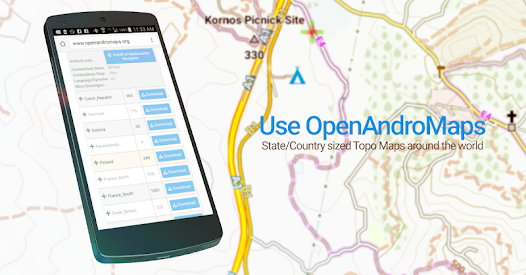
Newer version of Mapsforge library for openandromaps.
Fix for NOAA charts
GPS Pointer resize
More accurate altitude in some cases.
Avoid getting stuck on permissions.
Highlight links
Changes for Android required by Google Play.
KML/KMZ export fixes.
Dropbox now recommended for backing up files.
Library updates required by Google Play.
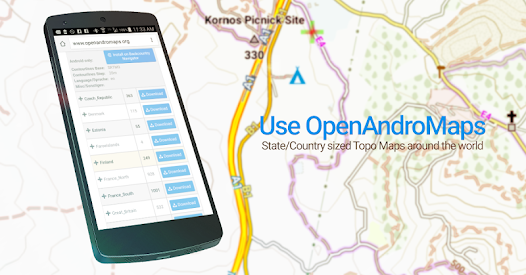
Newer version of Mapsforge library for openandromaps.
Fix for NOAA charts
GPS Pointer resize
More accurate altitude in some cases.
Avoid getting stuck on permissions.
Highlight links
Changes for Android required by Google Play.
KML/KMZ export fixes.
Dropbox now recommended for backing up files.


