PDF Reader - PDF Viewer
Contains ads
4.7star
328K reviews
10M+
Downloads

Everyone
info
About this app
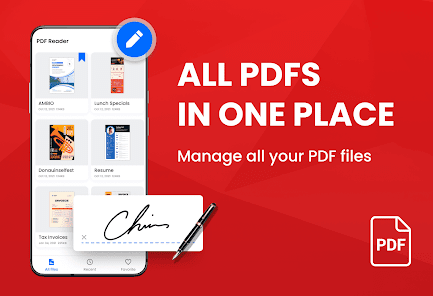
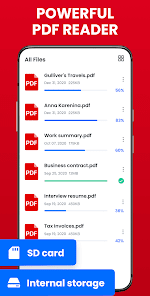
Looking for a simple and easy-to-use document reading app? PDF Reader is exactly what you need! It can auto scan, find, and list all PDF files on your phone, allows you to fast open, read and manage your files in one place conveniently.
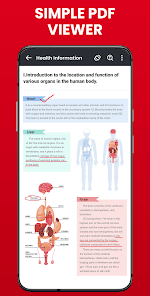
PDF Reader supports ultra-fast reading files in all formats, documents, receipts, photos, business cards, whiteboards, etc. It is not only a reading app, you can also use it to highlight text, take notes, add e-signatures, bookmark PDF pages, and share PDF files with others.
Download this superior office app to support your work and study, you will have both a PDF viewer, ebook reader, and PDF editor at the same time. Simple, free, and lightweight, really worth a try!
👉👉👉Download PDF Reader and enjoy all features for free now!
*Handy PDF Viewer*
👏Page by page and continuous scrolling mode
👏Horizontal and vertical viewing mode
👏Read smoothly with Reflow mode
👏Go to the desired page directly
👏Search for text in PDF and copy easily
👏Zoom in and zoom out pages
*Free Reader App*
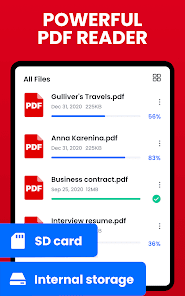
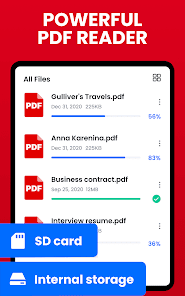
✨Auto scan and find all PDF files on your phone
✨Quickly search files and texts by keywords
✨Display PDF files in a simple list
✨Fast open and view documents
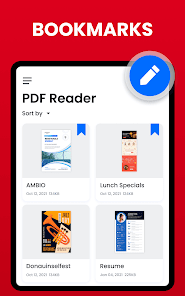
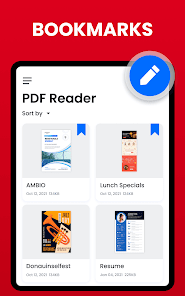
✨Bookmark PDF pages
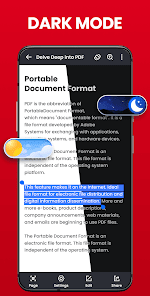
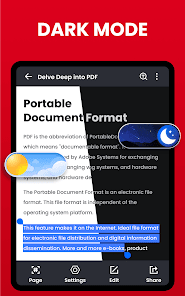
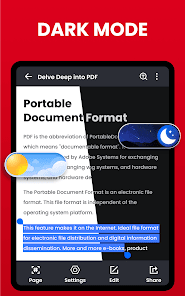
✨One-click switch between light and dark mode
*Practical PDF Editor*
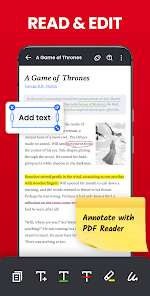
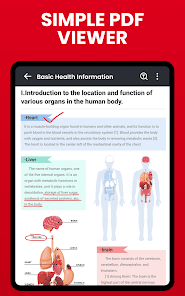
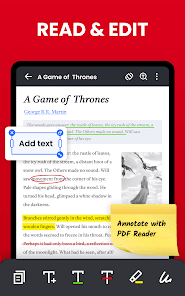
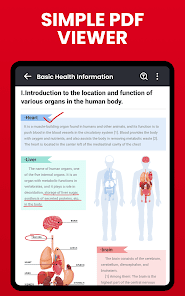
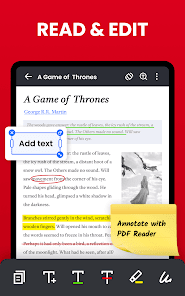
✒️Markup paragraphs with highlight colors
✒️Take notes with underline, strikethrough, etc
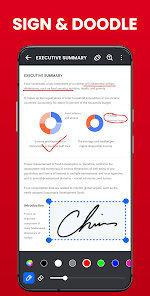
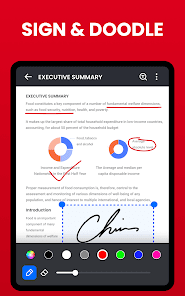
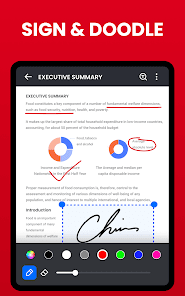
✒️Add e-signatures to PDF files, fill PDF forms (coming soon)
✒️Doodle on PDF files
✒️Annotate PDF files
✒️Easily copy any text on a PDF file
*Rich PDF Tools*
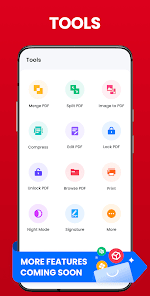
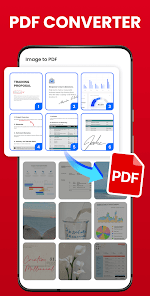
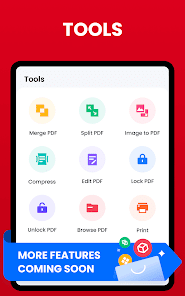
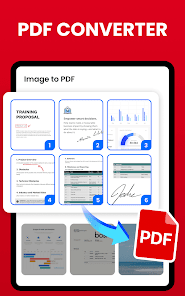
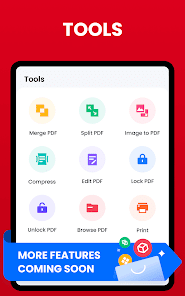
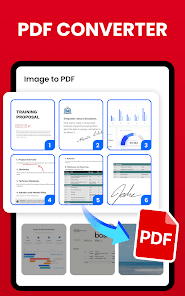
👍Easily convert images to PDF files
👍Quickly split or merge PDF files
👍Add text on PDF files anytime
👍Compress PDF files to reduce their size to meet your needs (coming soon)
*Powerful PDF Manager*
📅Recent - All recently opened files are displayed in order for your quick reference.
🔒Lock - Set password to lock PDF files and protect them from prying eyes.
💡Delete/Rename/Favorite - You can rename files, delete files, and add files to Favorite.
🤝Share - Share files with others and collaborate conveniently.
🖨️Print - Print PDF files quickly from your phone.
#Features coming soon#
✔ Fill PDF forms
✔ Rotate PDF pages
✔ Add or delete pages
✔ Fast conversion between PDF and Word, Excel, etc
✔ Smart PDF scanner fast scan and convert PDFs
…
We will keep working hard to optimize the app and improve the user experience. Please feel free to contact us at pdfreaderfeedback@gmail.com if you have any suggestions.
PDF reader free
Looking for a powerful PDF reader free? PDF files can be annotated, scanned and sent with PDF reader free. This app is exactly what you need!
Read all PDF
PDF reader app is also a powerful PDF viewer. With just one click, PDF reader app makes it easy to improve your work efficiency! Try PDF reader app now to organize your PDFs!
Free PDF reader for android
Want a simple free PDF reader for android? You can view, edit and share PDF files anytime with this app. Use free PDF reader for android to easily work with even the most complex PDF documents.
PDF Reader supports ultra-fast reading files in all formats, documents, receipts, photos, business cards, whiteboards, etc. It is not only a reading app, you can also use it to highlight text, take notes, add e-signatures, bookmark PDF pages, and share PDF files with others.
Download this superior office app to support your work and study, you will have both a PDF viewer, ebook reader, and PDF editor at the same time. Simple, free, and lightweight, really worth a try!
👉👉👉Download PDF Reader and enjoy all features for free now!
*Handy PDF Viewer*
👏Page by page and continuous scrolling mode
👏Horizontal and vertical viewing mode
👏Read smoothly with Reflow mode
👏Go to the desired page directly
👏Search for text in PDF and copy easily
👏Zoom in and zoom out pages
*Free Reader App*
✨Auto scan and find all PDF files on your phone
✨Quickly search files and texts by keywords
✨Display PDF files in a simple list
✨Fast open and view documents
✨Bookmark PDF pages
✨One-click switch between light and dark mode
*Practical PDF Editor*
✒️Markup paragraphs with highlight colors
✒️Take notes with underline, strikethrough, etc
✒️Add e-signatures to PDF files, fill PDF forms (coming soon)
✒️Doodle on PDF files
✒️Annotate PDF files
✒️Easily copy any text on a PDF file
*Rich PDF Tools*
👍Easily convert images to PDF files
👍Quickly split or merge PDF files
👍Add text on PDF files anytime
👍Compress PDF files to reduce their size to meet your needs (coming soon)
*Powerful PDF Manager*
📅Recent - All recently opened files are displayed in order for your quick reference.
🔒Lock - Set password to lock PDF files and protect them from prying eyes.
💡Delete/Rename/Favorite - You can rename files, delete files, and add files to Favorite.
🤝Share - Share files with others and collaborate conveniently.
🖨️Print - Print PDF files quickly from your phone.
#Features coming soon#
✔ Fill PDF forms
✔ Rotate PDF pages
✔ Add or delete pages
✔ Fast conversion between PDF and Word, Excel, etc
✔ Smart PDF scanner fast scan and convert PDFs
…
We will keep working hard to optimize the app and improve the user experience. Please feel free to contact us at pdfreaderfeedback@gmail.com if you have any suggestions.
PDF reader free
Looking for a powerful PDF reader free? PDF files can be annotated, scanned and sent with PDF reader free. This app is exactly what you need!
Read all PDF
PDF reader app is also a powerful PDF viewer. With just one click, PDF reader app makes it easy to improve your work efficiency! Try PDF reader app now to organize your PDFs!
Free PDF reader for android
Want a simple free PDF reader for android? You can view, edit and share PDF files anytime with this app. Use free PDF reader for android to easily work with even the most complex PDF documents.
Updated on
Safety starts with understanding how developers collect and share your data. Data privacy and security practices may vary based on your use, region, and age. The developer provided this information and may update it over time.

No data shared with third parties
Learn more about how developers declare sharing

No data collected
Learn more about how developers declare collection

Data is encrypted in transit

You can request that data be deleted
Ratings and reviews
4.7
310K reviews

Elizabeth Hock
- Flag inappropriate
- Show review history
April 10, 2024
🌟🌟🌟🌟🌟 5 Stars Yes, this is the great one! Free to use no internet connection necessary, edit tools include highlighter, +text, underline, strike through, or draw Has page jump, & autorotate on / off switch. It can load your pages up and down, or left to right. & many other tools, these are just the ones I use. Thank you developer, this is the best one I've found. I wish you would make it somehow look different, when my old phone died I had a hard time finding it. They all look alike.
809 people found this review helpful

JD
- Flag inappropriate
- Show review history
January 7, 2024
Edit: can you please make it so that I'm not taken to the app "recents" page when I open a PDF from the file manager? It's annoying. So far it's great. The UI is straightforward enough and without bloat and more importantly the app isn't pestering me to subscribe every time I open it. 1/5th the size of Adobe's and has all the features I care about. Reflow and night mode have worked just like Adobe's. Haven't found the ads that annoying yet, we'll see.
2,035 people found this review helpful
Simple Design Ltd.
January 9, 2024
Hi dear user, sorry for the inconvenience. We will take it seriously and do our best to make some improvements to the display strategy. Hope to bring you a better experience soon! If you have any other suggestions or questions, please feel free to contact us via the “(≡) icon - Feedback” on the homepage. Have a nice day!🌹

Adam Gibson
- Flag inappropriate
April 28, 2023
It was nice and simple with little bloat. Though the adds are getting increasingly invasive. In the beginning, it was a simple banner at the bottom. Then a simple full screen add that you exited. And now it's full loud video adds that you have to wait to close. There doesn't seem to be a premium upgrade that would remove them either. Shame that I'll have to keep looking elsewhere.
3,297 people found this review helpful
Simple Design Ltd.
May 4, 2023
Hi Adam, sorry for the inconvenience. This app is free, so we need ads to make a meager income. We will reduce our ads and try not to interfere with your normal use. We will also consider your suggestion to develop a paid ad-free version.😊 Thanks for your support.🌹
What's new
🌟 Support "Add Text" in PDF files
🌟 Optimize preview display
🌟 Fix minor bugs
🌟 Improve user experience
🌟 Optimize preview display
🌟 Fix minor bugs
🌟 Improve user experience


