Clock
3.7star
738K reviews
1B+
Downloads

Everyone
info



About this app
Clock combines all of the functionality that you need into one simple, beautiful package.
1. Set alarms, add timers and run a stopwatch
2. Keep track of time around the world using World Clock
3. Set a bedtime schedule, listen to sleep sounds, and see your upcoming events
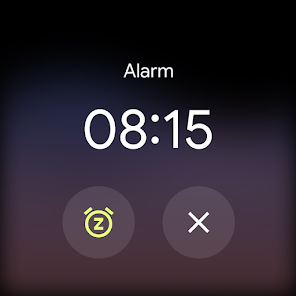
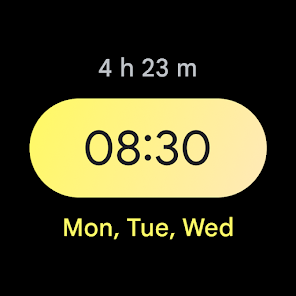
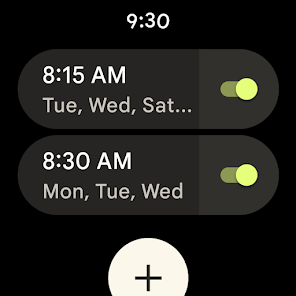
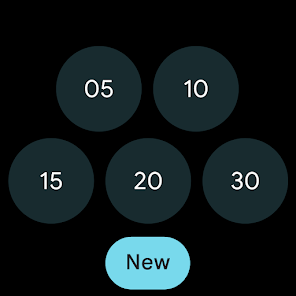
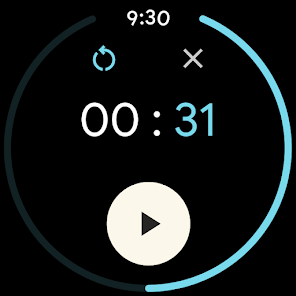
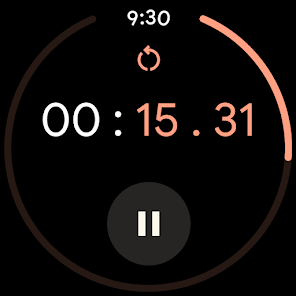
4. Pair with a Wear OS device to bring your alarms and timers to your wrist with saved tiles or watch face complications
1. Set alarms, add timers and run a stopwatch
2. Keep track of time around the world using World Clock
3. Set a bedtime schedule, listen to sleep sounds, and see your upcoming events
4. Pair with a Wear OS device to bring your alarms and timers to your wrist with saved tiles or watch face complications
Updated on
Safety starts with understanding how developers collect and share your data. Data privacy and security practices may vary based on your use, region and age. The developer provided this information and may update it over time.

No data shared with third parties
Learn more about how developers declare sharing

This app may collect these data types
Personal info, App activity and 2 others

Data is encrypted in transit

Data can’t be deleted

Independent security review
Ratings and reviews
3.7
687K reviews

Sarah Kattau
- Flag inappropriate
- Show review history
17 September 2025
The new update seems to require a lot more clicks to save and enable an alarm. The old version did that automatically - set a time and say okay, and it's enabled. Since the update, I have noticed more than once that an alarm either didn't save or didn't enable when I thought it would. I'm lucky I haven't missed anything. Also, changing the sliders to buttons is a huge miss. I don't mind a UI update, but they've changed too much about how it functions.
1,176 people found this review helpful

Valerio Zanini
- Flag inappropriate
13 August 2025
I set multiple alarms ahead of time, and that helps me manage my time for each meeting in the day. The app automatically expands the options panel of an alarm whenever I change it, and this is VERY ANNOYING. I don't need to change any of these options (ever) but everytime I need to close the panel to see the next alarm. Also, I risk to change one of these options by mistake, when the panel is open. not useful! I wish options were opened only upon request, not automatically. simple and clean.
703 people found this review helpful

Eugene Kramer
- Flag inappropriate
19 November 2025
Setting an alarm sometimes requires pressing the save button, sometimes not, inconsistently. The button itself overlaps with another button on the screen, which does not make it obvious that you need to press it. As a result - several alarms that I failed to set correctly. When the alarm goes off while you are using the phone, the control to still it keeps disappearing. Instead, there is a prompt to say "snooze". I don't want to talk to the phone when the alarm goes off!
13 people found this review helpful
What's new
• Updates to Material 3 Expressive design
App support
About the developer
Google LLC
support@google.com
1600 Amphitheatre Pkwy
Mountain View, CA 94043
United States
+1 650-253-0000


