
Remote for LG ThinG TV & webOS
Contains adsIn-app purchases

4.1star
205K reviewsinfo
10M+
Downloads

PEGI 3
info
About this app
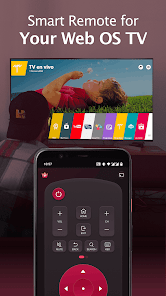
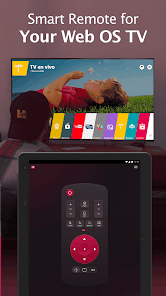
Fed up with endless searches for your LG TV remote? Dismayed by the malfunctioning controller? Your answer is right here! Remote for LG ThinG TV & webOS is a fast and stable LG TV remote app that helps users to control their LG TVs with AI ThinQ using a smartphone/tablet. It allows users to access all the features of a physical LG remote control, such as turning on/off the TV and navigating the TV's menus. Get rid of the need for constant battery replacements. Simplify your life and go eco-friendly. Download Remote for LG ThinG TV & webOS today and enjoy our easy-to-use LG smart remote!
As a universal remote for LG TVs, LG magic remote app is compatible with most LG Smart TVs released from 2012 onwards, including the popular LG OLED TVs, LG TV plus and Netcast models of 2012 and later. You should ensure that your mobile device and your LG TV are connected to the same Wi-Fi network for the LG TV control app to work correctly.
Key Features:
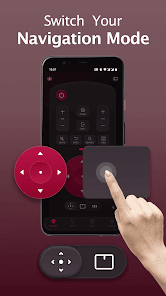
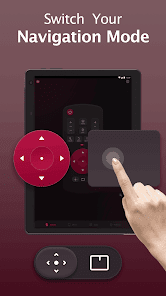
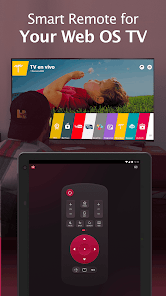
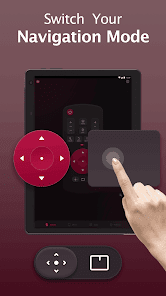
- Full-functional remote control for LG TV with simple and easy operation
- Power On/Off LG TVs with the power button on the smart remote
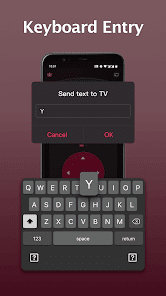
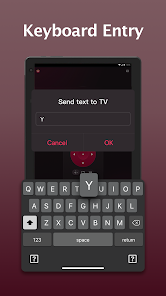
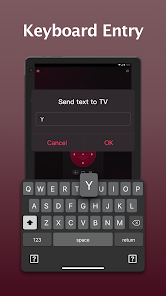
- Keyboard feature with simplified text input and search
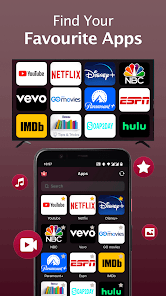
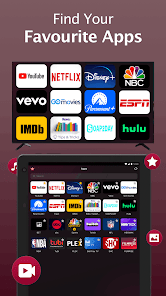
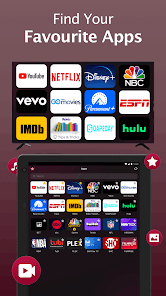
- Quick access to your favorite channels and apps on smart TV
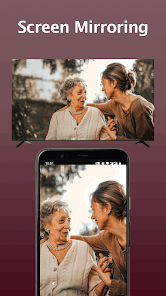
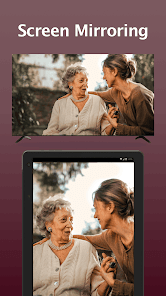
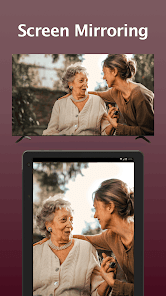
- Mirror your phone/tablet screen to TV in high definition with low latency
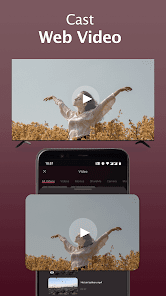
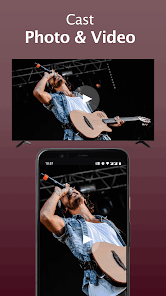
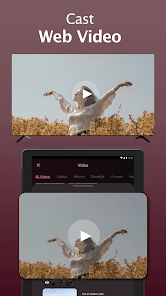
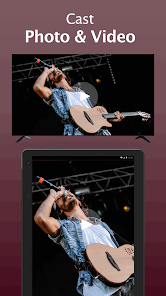
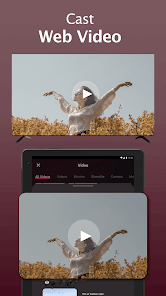
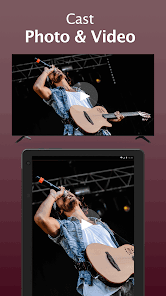
- Cast web videos to LG TV & local photos/videos to LG TVs with AI ThinQ
How to connect the smart remote control app to your LG TV:
1. Make sure your LG webOS TV is connected to the same WiFi network as the smart remote app.
2. Turn on your phone/tablet's WiFi and connect this LG replacement remote to the same network as your TV.
3. On the LG TV remote app, tap any button on the app interface and select your LG Smart TV from the list of available devices to connect with.
4. Once connected, you can enjoy the convenience of controlling your TV from mobile devices without having to locate and use a physical remote.
Troubleshooting:
• LG Remote Control App can only work when connected to the same WiFi network as your LG TV device.
• Reinstalling this LG TV control app and rebooting the TV can fix most of the connecting issues.
• Upgrade the LG TV controller application to the latest version can solve some connection issues.
• For connection issues with mobile devices, try downloading the LG remote app to another device.
Disclaimer:
BoostVision is not an affiliated entity of brands mentioned above, and this quick remote app "Remote for LG ThinG TV & webOS" is not an official product of LG.
Terms of Use: https://www.boostvision.tv/terms-of-use
Privacy Policy: https://www.boostvision.tv/privacy-policy
Visit Our Page: https://www.boostvision.tv/app/lg-tv-remote
As a universal remote for LG TVs, LG magic remote app is compatible with most LG Smart TVs released from 2012 onwards, including the popular LG OLED TVs, LG TV plus and Netcast models of 2012 and later. You should ensure that your mobile device and your LG TV are connected to the same Wi-Fi network for the LG TV control app to work correctly.
Key Features:
- Full-functional remote control for LG TV with simple and easy operation
- Power On/Off LG TVs with the power button on the smart remote
- Keyboard feature with simplified text input and search
- Quick access to your favorite channels and apps on smart TV
- Mirror your phone/tablet screen to TV in high definition with low latency
- Cast web videos to LG TV & local photos/videos to LG TVs with AI ThinQ
How to connect the smart remote control app to your LG TV:
1. Make sure your LG webOS TV is connected to the same WiFi network as the smart remote app.
2. Turn on your phone/tablet's WiFi and connect this LG replacement remote to the same network as your TV.
3. On the LG TV remote app, tap any button on the app interface and select your LG Smart TV from the list of available devices to connect with.
4. Once connected, you can enjoy the convenience of controlling your TV from mobile devices without having to locate and use a physical remote.
Troubleshooting:
• LG Remote Control App can only work when connected to the same WiFi network as your LG TV device.
• Reinstalling this LG TV control app and rebooting the TV can fix most of the connecting issues.
• Upgrade the LG TV controller application to the latest version can solve some connection issues.
• For connection issues with mobile devices, try downloading the LG remote app to another device.
Disclaimer:
BoostVision is not an affiliated entity of brands mentioned above, and this quick remote app "Remote for LG ThinG TV & webOS" is not an official product of LG.
Terms of Use: https://www.boostvision.tv/terms-of-use
Privacy Policy: https://www.boostvision.tv/privacy-policy
Visit Our Page: https://www.boostvision.tv/app/lg-tv-remote
Updated on
Safety starts with understanding how developers collect and share your data. Data privacy and security practices may vary based on your use, region, and age. The developer provided this information and may update it over time.

This app may share these data types with third parties
App activity, App info and performance, and Device or other IDs

No data collected
Learn more about how developers declare collection

Data isn’t encrypted
Data can’t be deleted
Ratings and reviews
4.1
202K reviews

Daramola abosede
- Flag inappropriate
- Show review history
November 13, 2025
After purchasing the lifetime package the remote stopped seeing my TV, the same TV I have been using it with in the past. I contacted them and all the solution given didn't solve the problem. Funny how the cast feature sees my TV but the remote does not Waste of money
12 people found this review helpful
BoostVision
November 14, 2025
- Make sure your phone/tablet and Smart TVs are connected to the same WiFi network.
- Restart your phone and reboot the TV.
- Reinstall this App.
- Change to another device like your friends' or your family's phone to connect and try again.

Max Suffer
- Flag inappropriate
November 13, 2025
this might be the worst remote app, and since I'm broke and can't afford to remove ads, it's very very annoying that after clicking any button 3 times, I get an ad, and mostly I didn't click the ad but the app thinks I clicked and it's really annoying
BoostVision
November 14, 2025
Thank you for your review! We are sorry for the inconvenience caused to you. We will try our best to adjust our ads quantity and bring a better experience for you in the near future. You can remove Ads by in-app purchase. If you have any thoughts, questions or suggestions, please don't hesitate to contact us at gp.feedback@boostvision.com.cn.

Graham Nolte
- Flag inappropriate
- Show review history
November 6, 2025
worst ad experience yet. The amount of ads, as well as the length of the ads, make the upsell required to use the app at all. If your app is unusable without buying ad free, make it a paid app.
2 people found this review helpful
BoostVision
November 6, 2025
Hi, you can remove Ads by in-app purchase. If you have any thoughts, questions or suggestions, please don't hesitate to contact us at gp.feedback@boostvision.com.cn.
What’s new
*Improving users experiences
*For Android 16
Remote control for LG Smart TV
Cast photos/videos to LG webOS TV
Cast web videos to TV
*For Android 16
Remote control for LG Smart TV
Cast photos/videos to LG webOS TV
Cast web videos to TV
App support
About the developer
成都增强视图科技有限公司
gp.feedback@boostvision.com.cn
中国
四川省成都市
高新区科技孵化园内8号楼3层6号
邮政编码: 610041
+86 199 3817 1397


