
GamepadSpace

2.4star
180 reviews
50K+
Downloads

Everyone
info
About this app
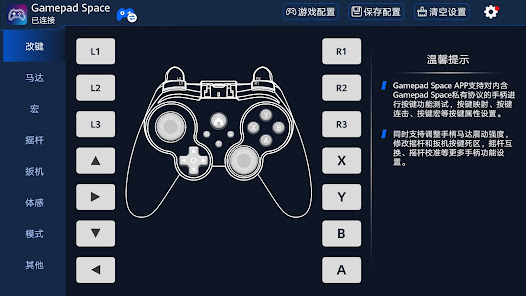
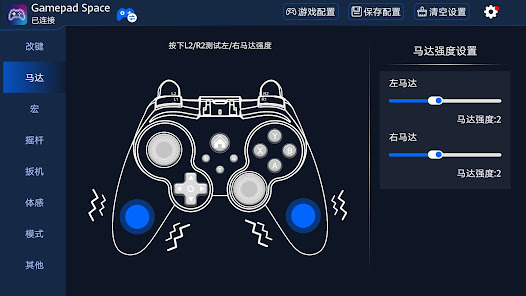
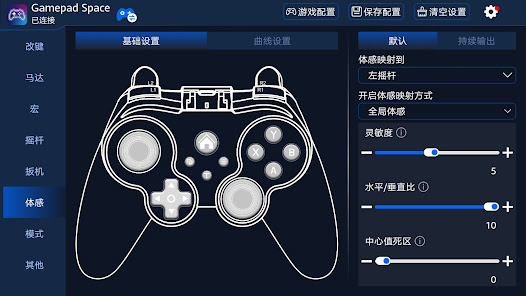
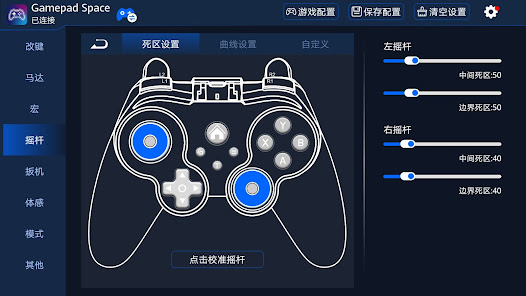
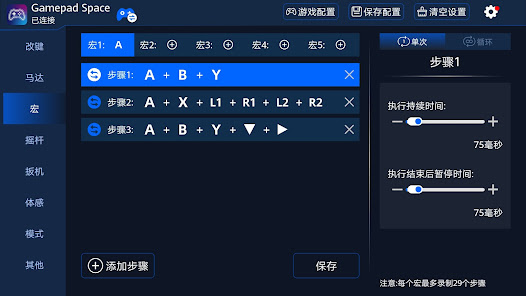
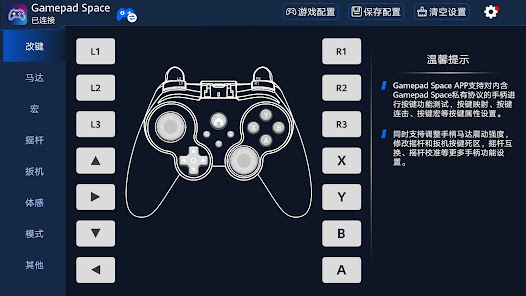
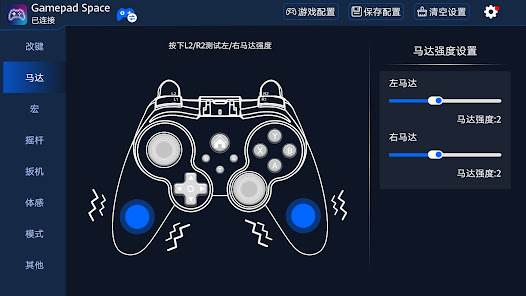
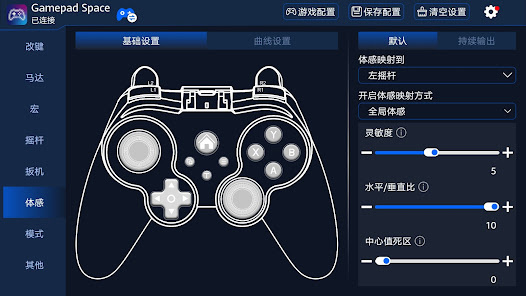
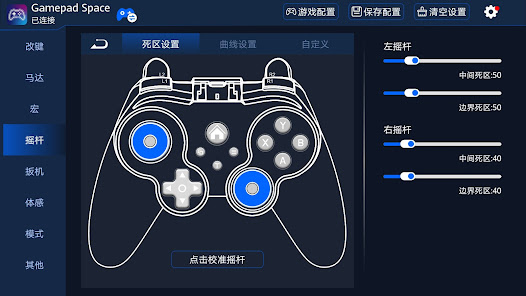
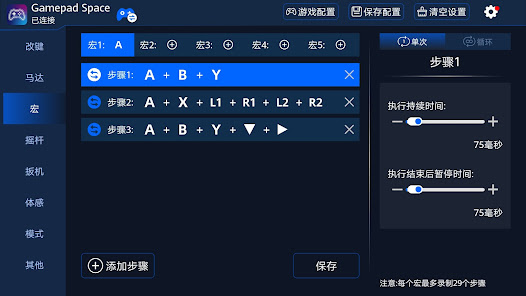
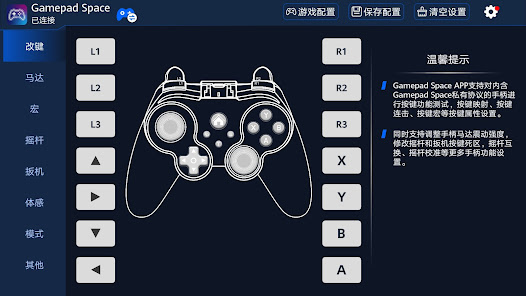
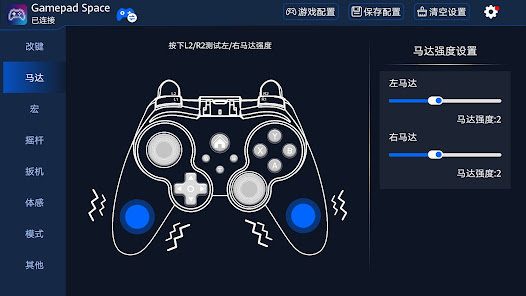
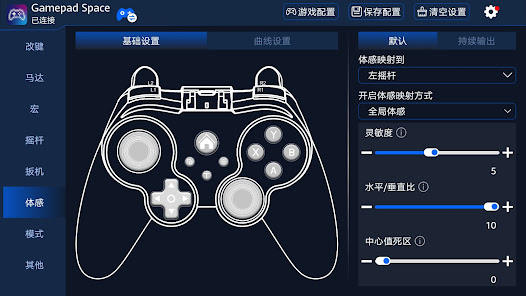
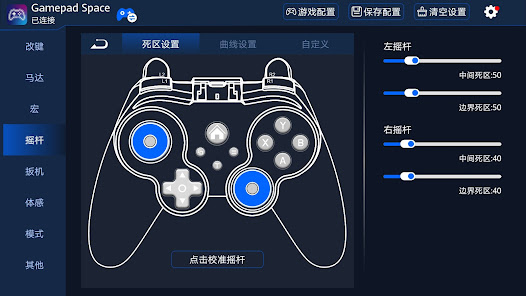
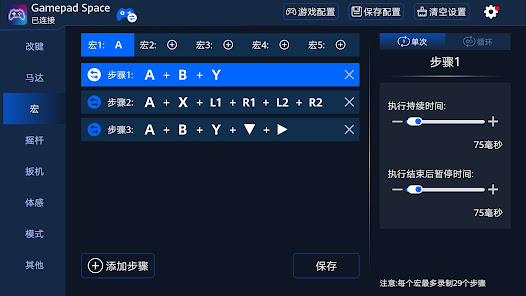
Gamepad Space is a tool APP that allows you to customize Bluetooth controller button mapping, button combos, motor attributes, button macros, trigger button dead zone, joystick dead zone and joystick mapping and other functional settings after connecting through a private protocol. By modifying custom key mappings, key combos, motor attributes, key macros, trigger button dead zones, joystick dead zones, and joystick mapping, etc., the key positions can be adapted to the player's own operating habits or match the game the player wants to play.
Updated on
Safety starts with understanding how developers collect and share your data. Data privacy and security practices may vary based on your use, region, and age. The developer provided this information and may update it over time.

No data shared with third parties
Learn more about how developers declare sharing

No data collected
Learn more about how developers declare collection
Ratings and reviews
2.4
173 reviews

Gabriel Vasile
- Flag inappropriate
- Show review history
August 29, 2025
I have a G11 wireless game controller. The controller connects to and works on my Android phone and my Windows laptop, but this app doesn't support it. Please fix in an update. It says "The current app does not support this device. Please upgrade the firmware", but when I try to upgrade the firmware it says "Is the latest version".
2 people found this review helpful

Charles Hautly
- Flag inappropriate
October 4, 2025
Instructions are unclear. It seems to me that this is for a specific line of controllers for one specific company. Misleading advertising or poor product, can't tell.

Thank You
- Flag inappropriate
June 28, 2025
Very nice and complete! Don't forget to follow the instructions to make it work depending on your controller I had to press L+X+Home button to be able to pair it
1 person found this review helpful
What’s new
1、修复一些已知问题
2、优化一些用户操作体验
2、优化一些用户操作体验
App support
phone
Phone number
+8619806581929
About the developer
深圳市七熊科技有限公司
wufuliang@bmchip.com
中国
广东省深圳市
宝安区西乡街道前进二路华盛辉智汇创新中心D栋609
邮政编码: 518000
+86 198 0658 1929


