Clock
3.7star
765K reviews

Everyone
info
1B+
Downloads

Everyone
Learn more



About this app
Clock combines all of the functionality you need into one simple, beautiful package.
1. Set alarms, add timers, and run a stopwatch
2. Keep track of time around the world using World Clock
3. Set a bedtime schedule, listen to sleep sounds, and see your upcoming events
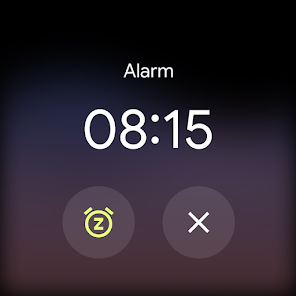
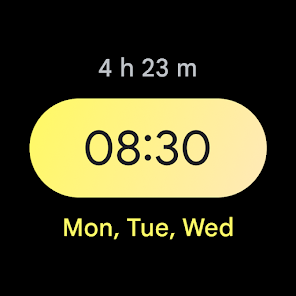
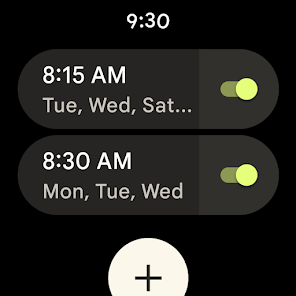
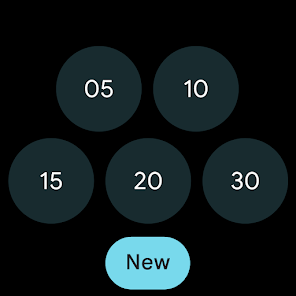
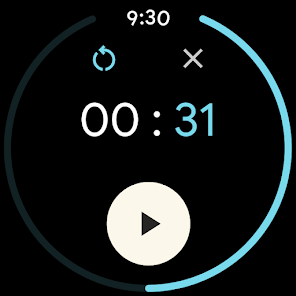
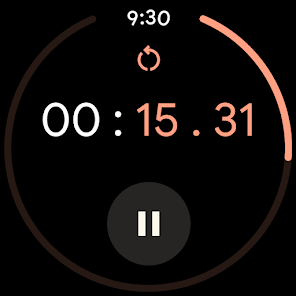
4. Pair with a Wear OS device to bring your alarms and timers to your wrist with saved tiles or watch face complications
1. Set alarms, add timers, and run a stopwatch
2. Keep track of time around the world using World Clock
3. Set a bedtime schedule, listen to sleep sounds, and see your upcoming events
4. Pair with a Wear OS device to bring your alarms and timers to your wrist with saved tiles or watch face complications
Updated on
Safety starts with understanding how developers collect and share your data. Data privacy and security practices may vary based on your use, region, and age. The developer provided this information and may update it over time.

No data shared with third parties
Learn more about how developers declare sharing

This app may collect these data types
Personal info, App activity and 2 others

Data is encrypted in transit

Data can’t be deleted

Independent security review
Ratings and reviews
3.7
712K reviews

Valerio Zanini
- Flag inappropriate
August 13, 2025
I set multiple alarms ahead of time, and that helps me manage my time for each meeting in the day. The app automatically expands the options panel of an alarm whenever I change it, and this is VERY ANNOYING. I don't need to change any of these options (ever) but everytime I need to close the panel to see the next alarm. Also, I risk to change one of these options by mistake, when the panel is open. not useful! I wish options were opened only upon request, not automatically. simple and clean.
935 people found this review helpful

Nicole Morrison-Shipp
- Flag inappropriate
April 16, 2026
When I upgraded to the Pixel Pro 10 XL I never imagined the clock would have so many limitations! I cannot rely on it anymore! I set about 8-9 alarms a day. Each needing their own snooze time. One set snooze time for all alarms is absolutely absurd!! Google, you are failing. STOP "FIXING" THINGS THAT AREN'T BROKEN!!! While I am on the subject of what sucks. The vibration is so quiet even with all settings set to the highest and the adaptive setting on. Right next to me I don't hear it!

Helle Schade
- Flag inappropriate
March 23, 2026
So like most people who have been using android phones for a while, they usually come preloaded with many Google apps and it's easy to just select the widget and use them. With the clock app I have selected another one to use before, but it's been a few years since I felt I needed to go find another one. Till now, I have issues with selecting alarm sounds and I can't keep my alarms set for everyday like before.
5 people found this review helpful
What’s new
• Updated to Material 3 Expressive design
Everyone
Learn moreApp support
About the developer
Google LLC
support@google.com
1600 Amphitheatre Pkwy
Mountain View, CA 94043
United States
+1 650-253-0000


