
UniFi Verify
4.8star
8.73K reviews
500K+
Downloads

Everyone
info
About this app
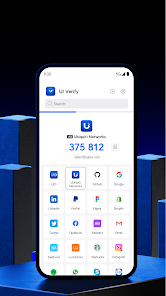
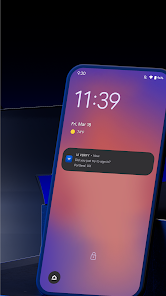
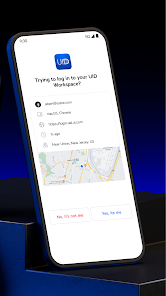
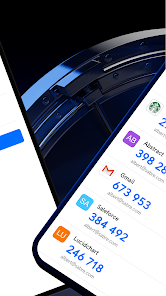
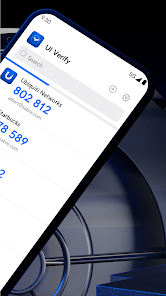
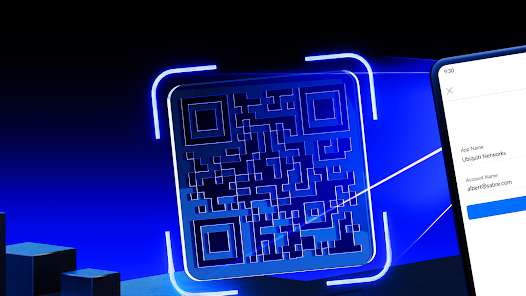
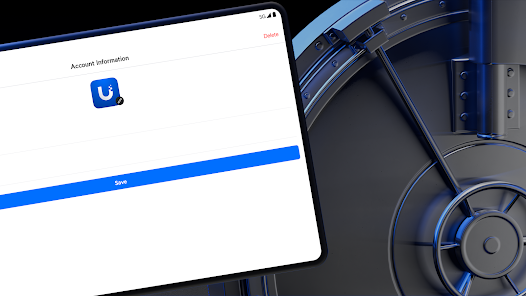
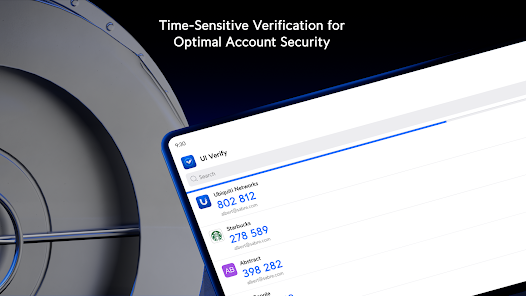
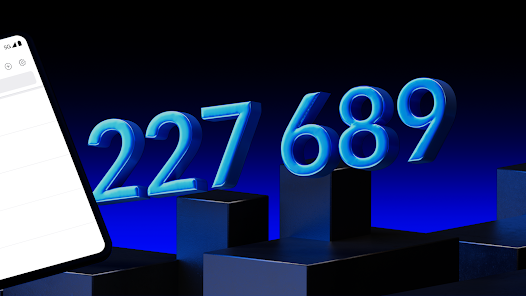
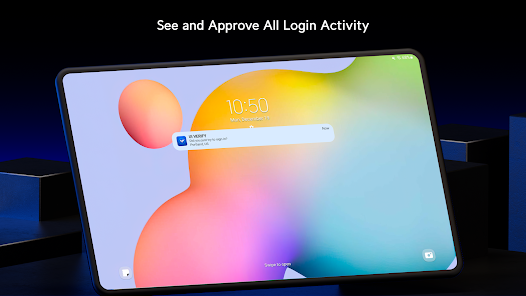
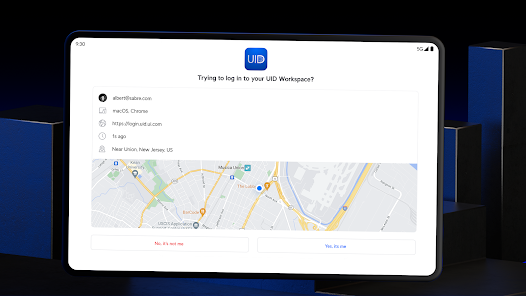
Verify gives your accounts an additional layer of security by requiring two-factor authentication (2FA) of each login attempt. With this feature enabled, users will need to provide their password and a time-sensitive verification code generated either in the app or via push notification. Verify can also supply users with a set of single-use passwords that can be stored locally on their phones should they ever need to circumvent an issue with their main 2FA method.
Features:
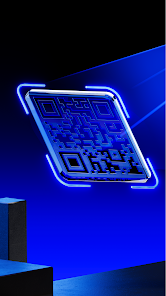
- Instant setup via QR code
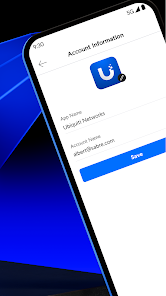
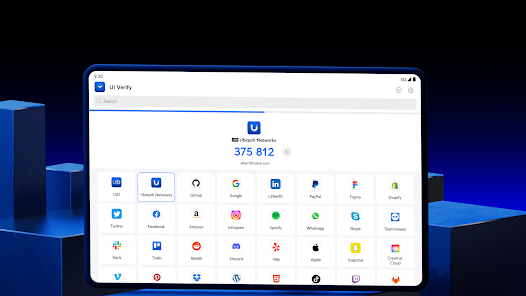
- Supports multiple user accounts and platforms, including Amazon, Facebook, and GitHub
- Generates time-sensitive verification codes and single-use passwords either in the app or via push notification
- Unlimited account support
Features:
- Instant setup via QR code
- Supports multiple user accounts and platforms, including Amazon, Facebook, and GitHub
- Generates time-sensitive verification codes and single-use passwords either in the app or via push notification
- Unlimited account support
Updated on
Safety starts with understanding how developers collect and share your data. Data privacy and security practices may vary based on your use, region, and age. The developer provided this information and may update it over time.

No data shared with third parties
Learn more about how developers declare sharing

This app may collect these data types
Personal info, App info and performance, and Device or other IDs

Data isn’t encrypted
Data can’t be deleted
Ratings and reviews
4.8
8.68K reviews

Andrew Swinghamer
- Flag inappropriate
April 30, 2024
This version doesn't seem very stable. When I open the app, sometimes my accounts don't appear; I either have to go to settings and then back to accounts or let the codes refresh to get them to appear. Also if the app is already open/running in the background, when I switch back to it sometimes it will crash, forcing me to close and restart it. Finally a nice-to-have feature would be the ability to upload custom images for accounts not in the default icons group (there's not many in the default)
7 people found this review helpful

GHz KHz
- Flag inappropriate
- Show review history
April 8, 2026
Well I contacted somebody but we still can't get to work 2 different phones same exact problem when I scan the QR Code it throws an error along the bottom that says cannot create account on the phone
Ubiquiti Inc.
April 1, 2026
Hi, we apologize for the unsatisfactory experience. Could you explain your issue in more detail? Please contact us at uid.support@ui.com and share screenshots/screen recordings if available. Our escalation team will reply to you within one business day.

Josh Lang
- Flag inappropriate
- Show review history
July 24, 2024
Way harder to get to work with UniFi than a 3rd party authenticator. If I was in charge at unifi, I'd be tempted to pull this app until it's not garbage. Nothing in the UniFi ecosystem has ever annoyed me and wasted my time like this app. I was stuck in a screen asking me to select Verify in a system prompt that didn't come up, and that was confusing to figure out. If you can't actually fix this a week or two, save us all the headaches and kill this app, we'll use 3rd party.
11 people found this review helpful
Ubiquiti Inc.
July 25, 2024
Hi, we apologize for the unsatisfactory experience. Both UI Account and Identity Enterprise account can be configured without needing to use the Verify app, the only way this app must be used is that the admin in Identity Enterprise forces the use of Verify. If you have any questions about this, please feel free to contact us at uid.support@ui.com.
What’s new
Verify Android 0.91.3 includes the following improvements.
Bugfixes
- Fixed an issue that caused the app to crash on certain Android devices.
Bugfixes
- Fixed an issue that caused the app to crash on certain Android devices.
App support
About the developer
Ubiquiti Inc.
support@ui.com
685 3rd Ave Ste 2702
New York, NY 10017
United States
+1 646-780-7958


