
Android Accessibility Suite
4.0star
4.3M reviews
10B+
Downloads

Everyone
info


About this app
Android Accessibility Suite is a collection of accessibility apps that help you use your Android device eyes-free or with a switch device.
Android Accessibility Suite includes:
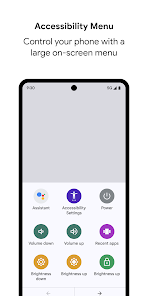
• Accessibility Menu: Use this large on-screen menu to lock your phone, control volume and brightness, take screenshots, and more.
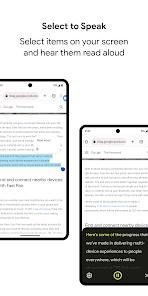
• Select to Speak: Select items on your screen and hear them read aloud.
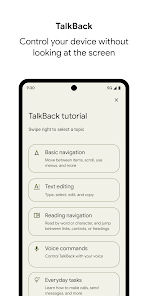
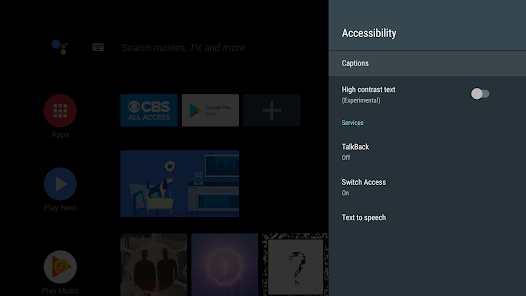
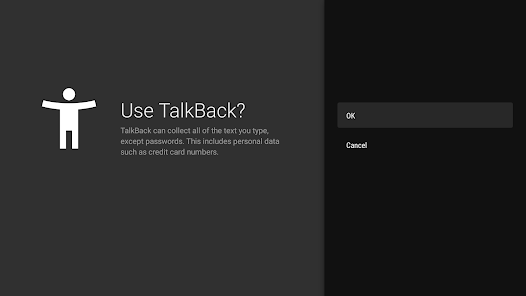
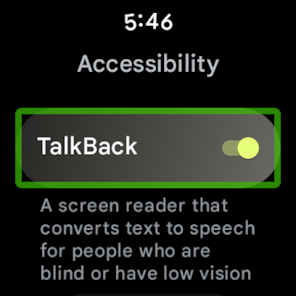
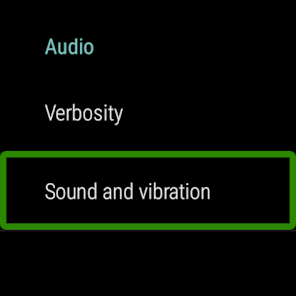
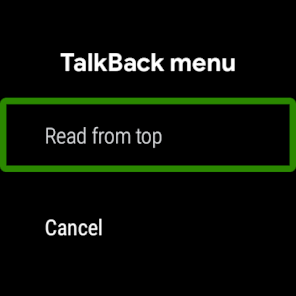
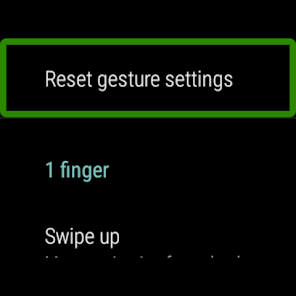
• TalkBack screen reader: Get spoken feedback, control your device with gestures, and type with the on-screen braille keyboard.
To get started:
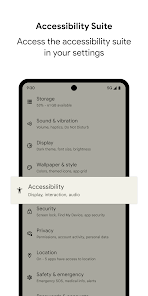
1. Open your device's Settings app.
2. Select Accessibility.
3. Select Accessibility Menu, Select to Speak, or TalkBack.
Android Accessibility Suite requires Android 6 (Android M) or later. To use TalkBack for Wear, you'll need Wear OS 3.0 or later.
Permissions Notice
• Phone: Android Accessibility Suite observes the phone state so it can adapt announcements to your call status.
• Accessibility Service: Because this app is an accessibility service, it can observe your actions, retrieve window content, and observe text that you type.
• Notifications: When you allow this permission, TalkBack can notify you about updates.
Android Accessibility Suite includes:
• Accessibility Menu: Use this large on-screen menu to lock your phone, control volume and brightness, take screenshots, and more.
• Select to Speak: Select items on your screen and hear them read aloud.
• TalkBack screen reader: Get spoken feedback, control your device with gestures, and type with the on-screen braille keyboard.
To get started:
1. Open your device's Settings app.
2. Select Accessibility.
3. Select Accessibility Menu, Select to Speak, or TalkBack.
Android Accessibility Suite requires Android 6 (Android M) or later. To use TalkBack for Wear, you'll need Wear OS 3.0 or later.
Permissions Notice
• Phone: Android Accessibility Suite observes the phone state so it can adapt announcements to your call status.
• Accessibility Service: Because this app is an accessibility service, it can observe your actions, retrieve window content, and observe text that you type.
• Notifications: When you allow this permission, TalkBack can notify you about updates.
Updated on
Safety starts with understanding how developers collect and share your data. Data privacy and security practices may vary based on your use, region, and age. The developer provided this information and may update it over time.

No data shared with third parties
Learn more about how developers declare sharing

This app may collect these data types
App activity, App info and performance, and Device or other IDs

Data is encrypted in transit

Data can’t be deleted
Ratings and reviews
4.0
4.12M reviews

Theo Info
- Flag inappropriate
January 24, 2026
I don't understand, this app doesn't work as it used to. First it forcefully captured the media volume button, and now the little figure at the bottom right disappeared and I don't know how to change accessibility volume because it's not visible. Can you just give us the old version from 6 months prior? Maybe don't fix something that is not broken? Thanks!
170 people found this review helpful

Tina Booker
- Flag inappropriate
- Show review history
January 23, 2026
This is only thing I hate about the phone !! trying to get phone open to turn it off. then to figure out how to turn it off. even then, with phone locked, knowing how to turn it off it was a fiasco. would like to disable it! ok after reading some of the settings I see what it can be used for. that would be neat. I just don't like to accidentally turn it on while in the middle of something else, I don't like being able to access it from home screen . it's to easy to hit by mistake. .
15 people found this review helpful

JC A
- Flag inappropriate
- Show review history
January 27, 2026
Don't know why after selecting words and clicking right button for it to read but no sound at all, but you can find setting of text size and speed. My phone is working well, only it cannot. It had this sound many months ago when I used it. Recently it has not had. I am thinking to delete it for saving phone space since no use at all if no one can help me with solving this problem.
59 people found this review helpful
What’s new
TalkBack 16.2
• New settings categories
• New gesture to start voice dictation quickly
• Announcements for text formatting changes
• New gesture to navigate phone easily
• Enhanced keyboard support with new shortcuts, tutorial, and browse mode for web navigation
• New movable speech bubble
• New settings categories
• New gesture to start voice dictation quickly
• Announcements for text formatting changes
• New gesture to navigate phone easily
• Enhanced keyboard support with new shortcuts, tutorial, and browse mode for web navigation
• New movable speech bubble
App support
About the developer
Google LLC
support@google.com
1600 Amphitheatre Pkwy
Mountain View, CA 94043
United States
+1 650-253-0000


